 beveled
Website mockup generator
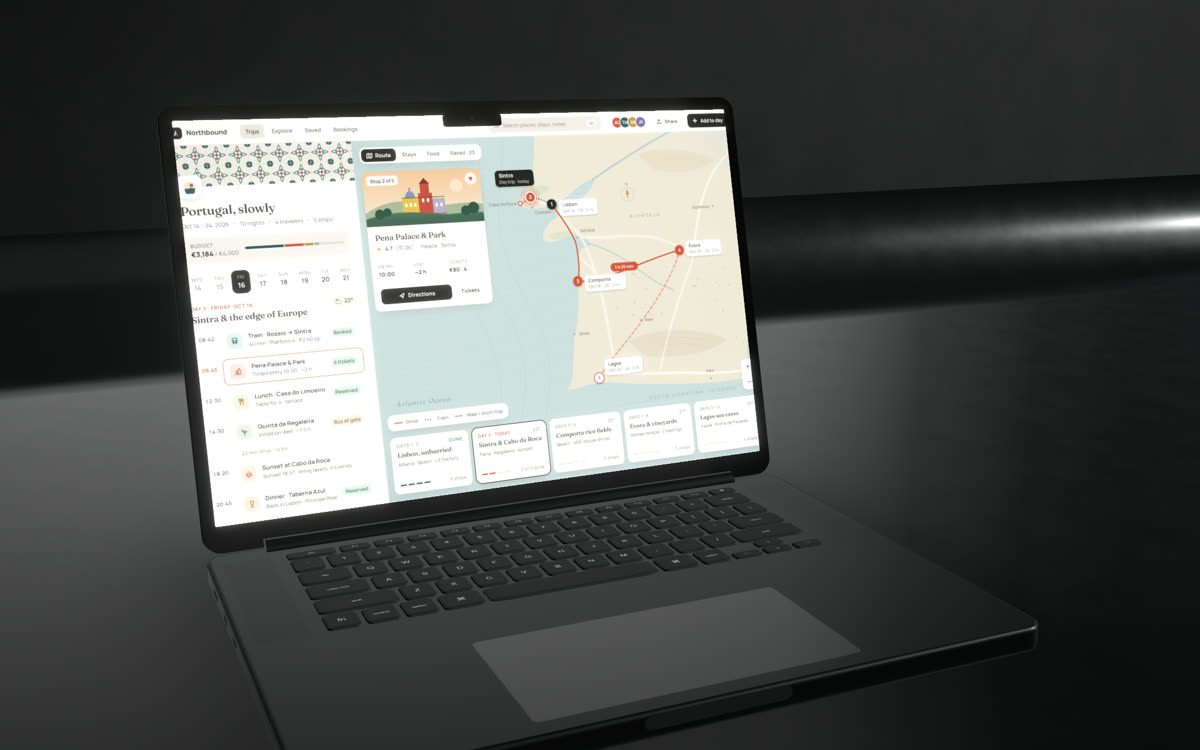
Capture any website, full length or at phone, tablet and laptop sizes, and show it in a browser window or on real devices, in 2D or in 3D.
Free · no account · no watermark · runs in your browser
Capture from the toolbar
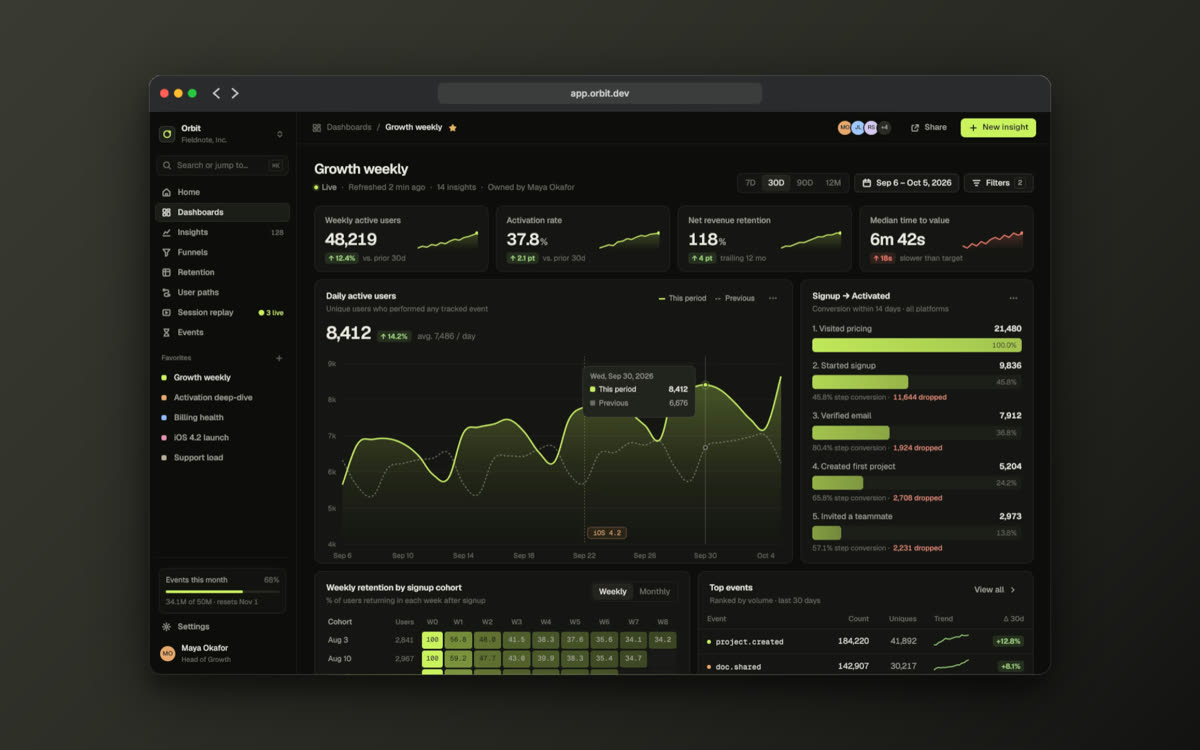
The Chrome extension captures the visible area, the full page, or re-renders the page at phone, tablet or desktop size.
Several pages in one image
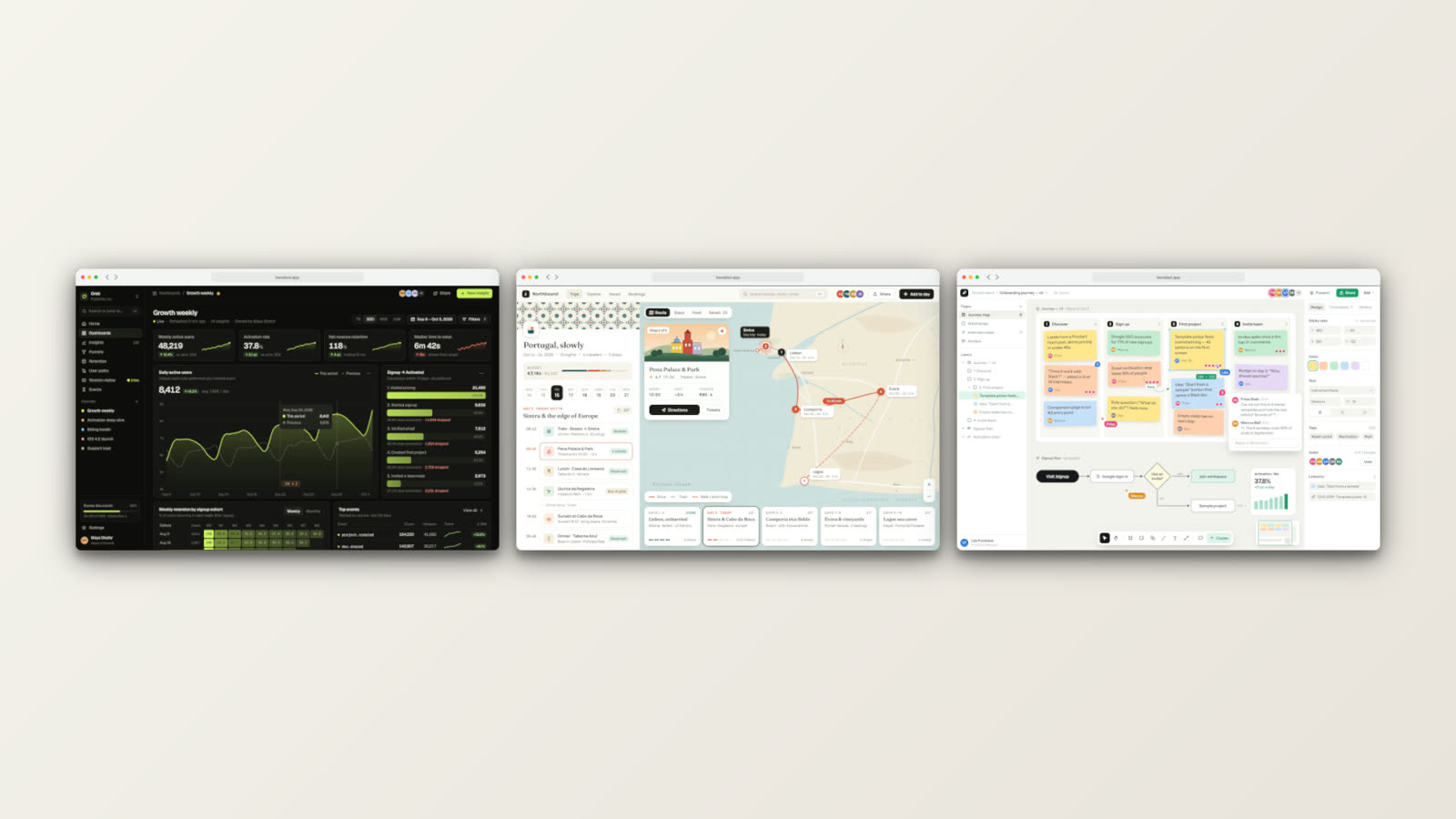
Show up to three pages side by side in matching browser windows or devices, each with its own capture.
Long pages that scroll
Full-page captures scroll inside the screen, and the scroll can be animated.
Your localhost too
With the Beveled MCP server, your AI agent can capture the site running on localhost and mock it up.
Made in Beveled
How it works
- 1
Capture the site
Use the extension, take a screenshot, or let your agent capture it.
- 2
Choose the frame
A browser window or a device, one screen or up to three side by side.
- 3
Export
Stills for your portfolio or case study, or a scrolling video.
Questions
- How do I capture a full-page screenshot?
- Install the Beveled Chrome extension, click its icon and choose Full page. It scrolls, stitches and opens the result in the studio.
- Can I capture the mobile version of a site?
- Yes. Choose Device size in the extension and it re-renders the page at phone, tablet, laptop or desktop size before capturing.
- Is it really free?
- Yes. Every device, template and export size is free, with no watermark and no account. Everything renders in your own browser, so screenshots never leave your computer.