New · ask your AI agent for mockups

Your app,
photographed.

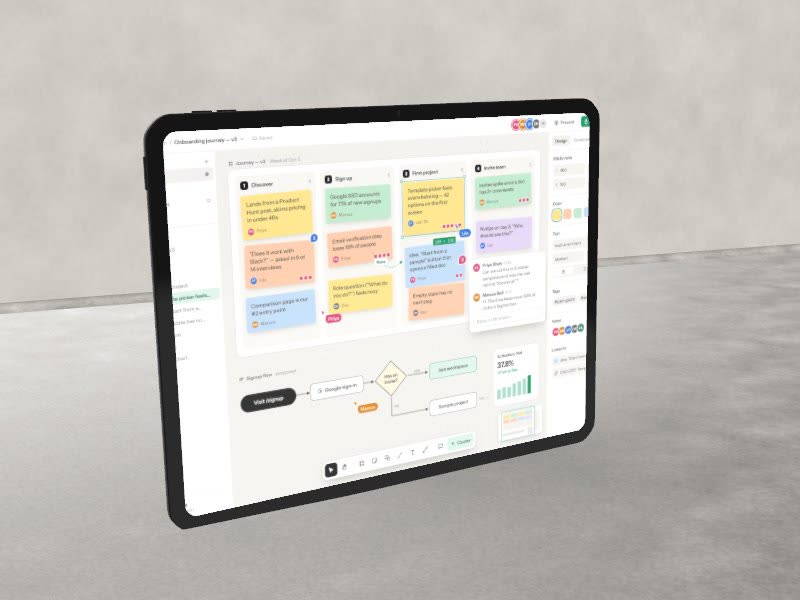
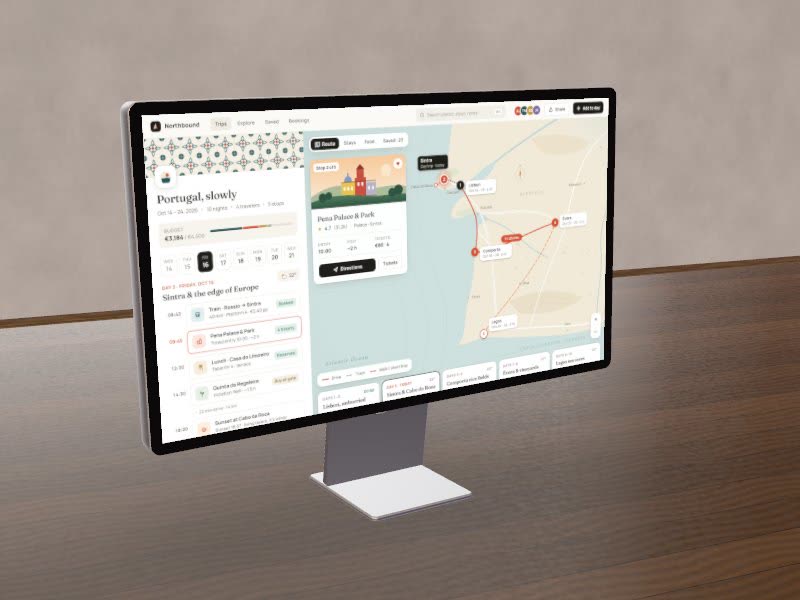
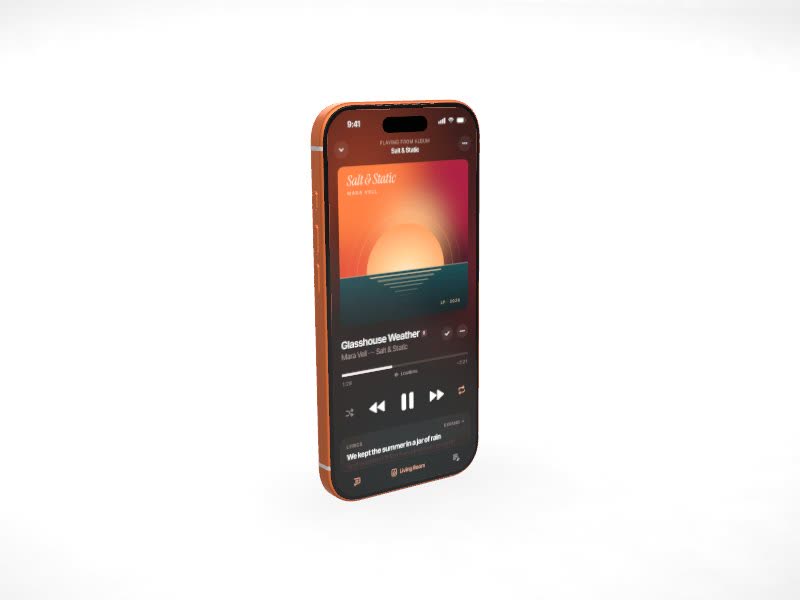
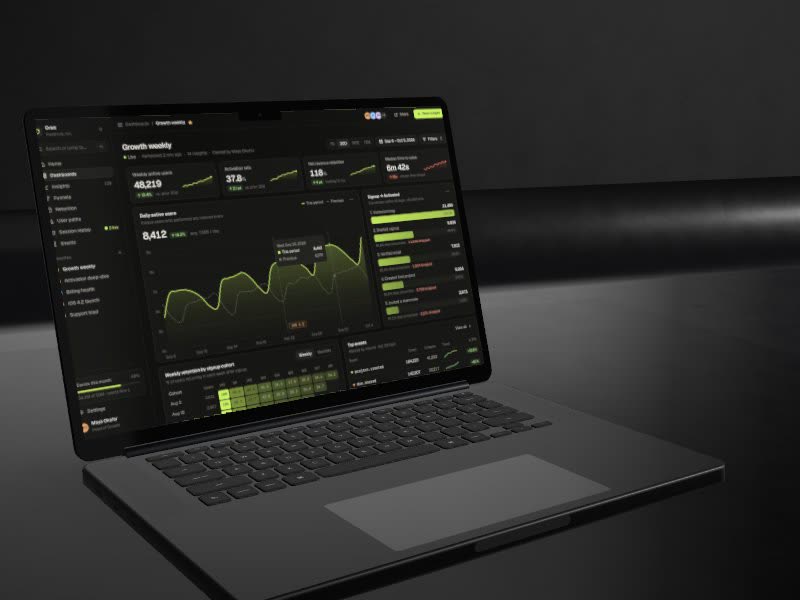
Drop in a screenshot. Beveled stands it on a real iPhone, MacBook or display, lights it like a studio set and exports stills or 4K video. Free, and it never leaves your browser.

A MacBook Pro showing an analytics dashboard, rendered in Beveled

One screenshot, or the whole portfolio.

Three studios share one canvas. Frame a screen flat, stand it on a lit device, or turn a folder of work into a showreel.

Your work, on a loop.

Drop a folder of screenshots, shots and clips into the Reel studio and pick a move. Beveled choreographs every piece into a showreel for your portfolio, pitch deck or feed.

  • Up to 50 images and clips
  • Studio originals, cuts and rolls
  • Ending card and music
  • MP4 up to 4K, no watermark

Everything a launch needs, in one tab.

Auto-motion

Draw boxes over the parts that matter. Beveled writes the camera move that glides, holds and pushes in on each one.

App Store sets

One design, every screen, the exact store sizes. Exported together as a ZIP.

Real sets

Concrete, oak, a dark room or a white sweep, with sunlight through blinds and true lens blur.
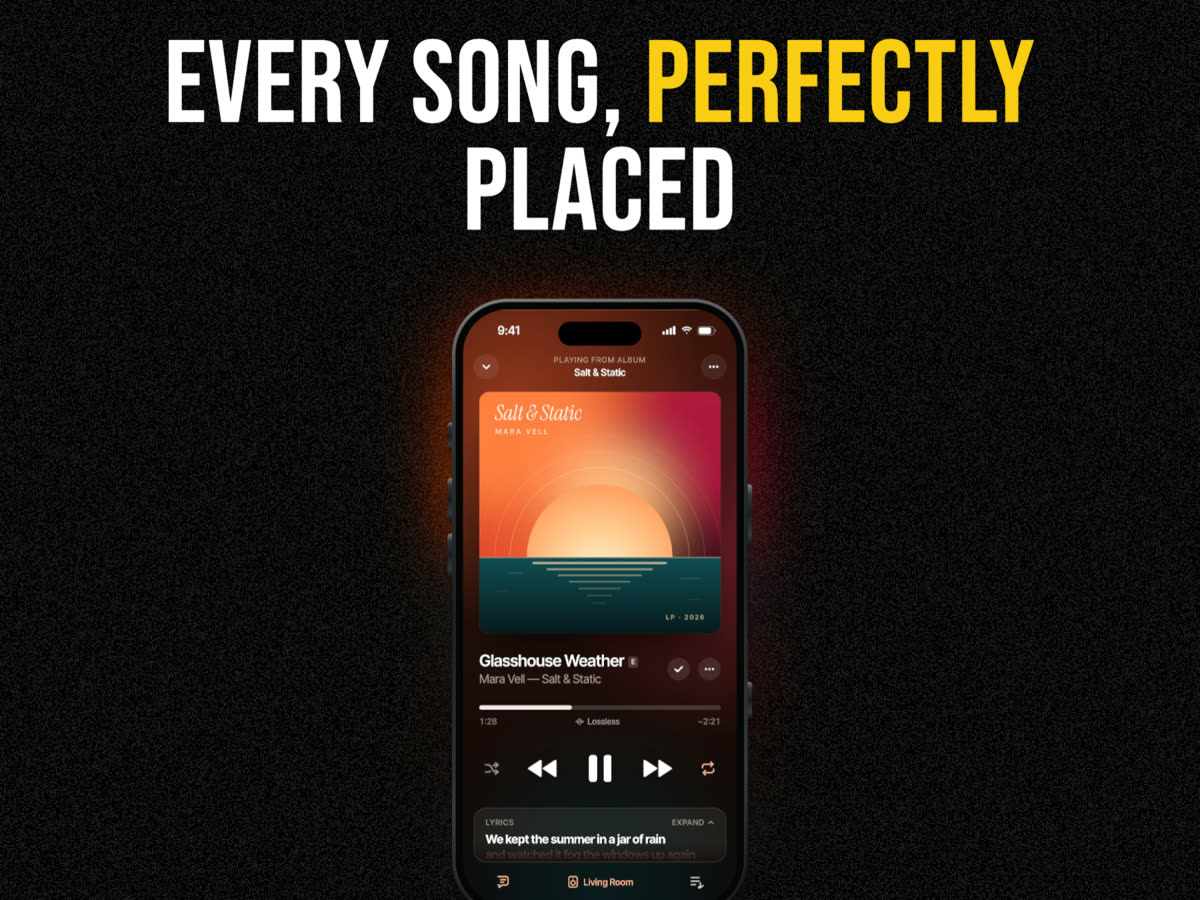
Words that sell it

Headlines with highlighted words and eight type pairings, animated word by word.
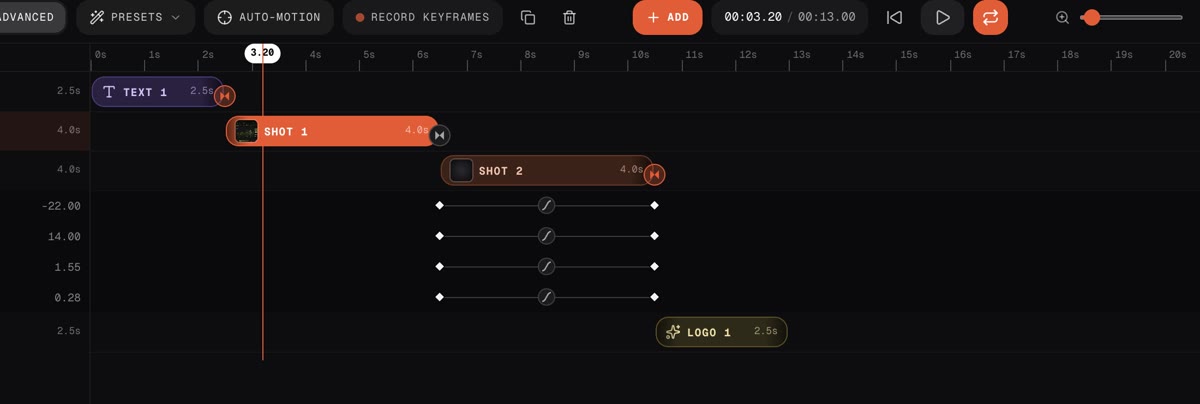
A real timeline

Shots, titles, logos and music. Keyframe the camera, the device and the light.

Stills
PNG, JPG, WebP up to 8K
Video
MP4, WebM up to 4K60
Alpha
Transparent PNG and WebM
Cost
None. No watermark, no account

Or just ask
your agent.

Beveled speaks MCP. Claude, Cursor, VS Code and other agents can render mockups from a file, a URL or the app running on your localhost, and hand back the files.

claude plugin marketplace add iambilalazhar/beveled
claude plugin install beveled@beveled
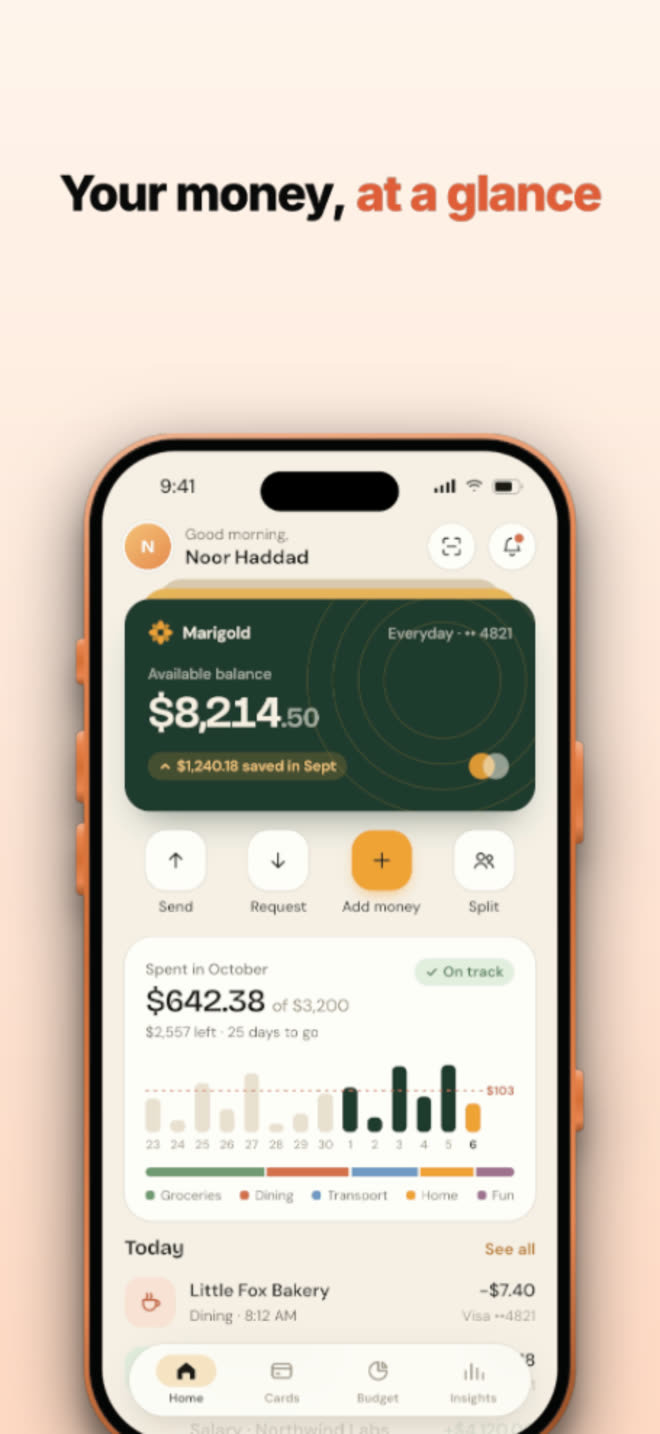
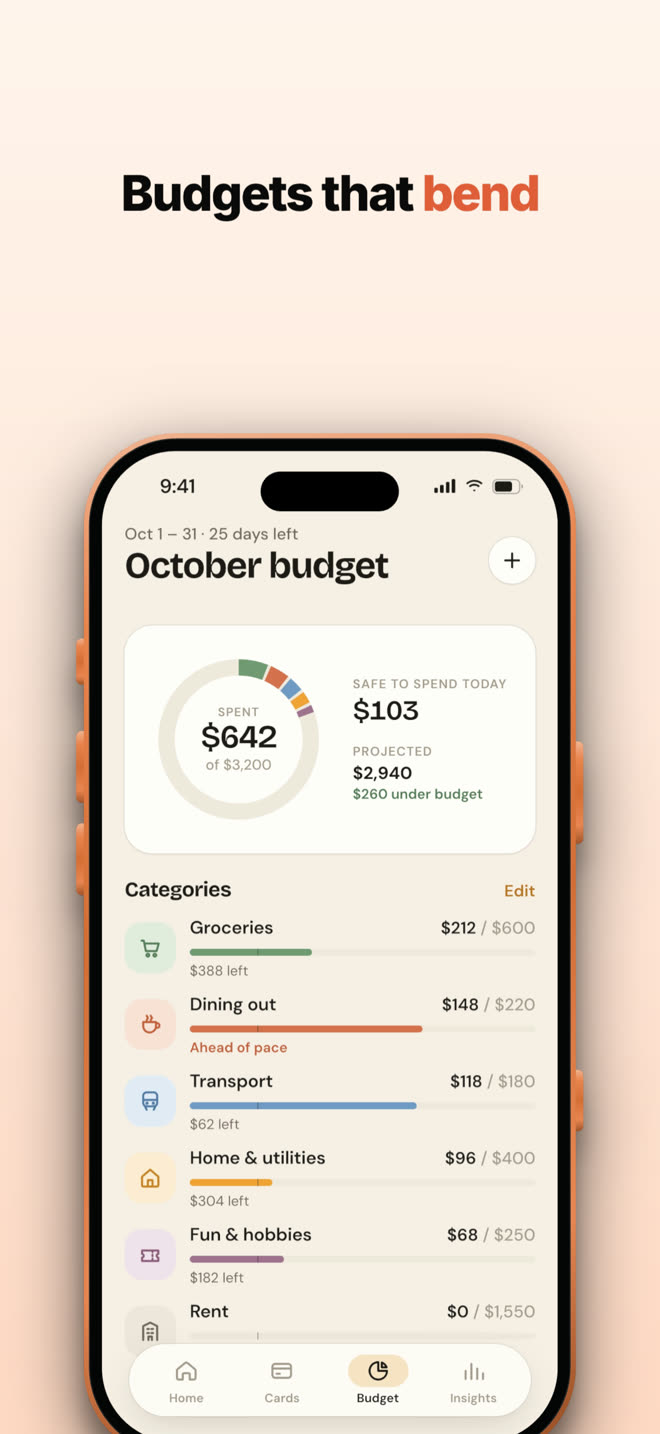
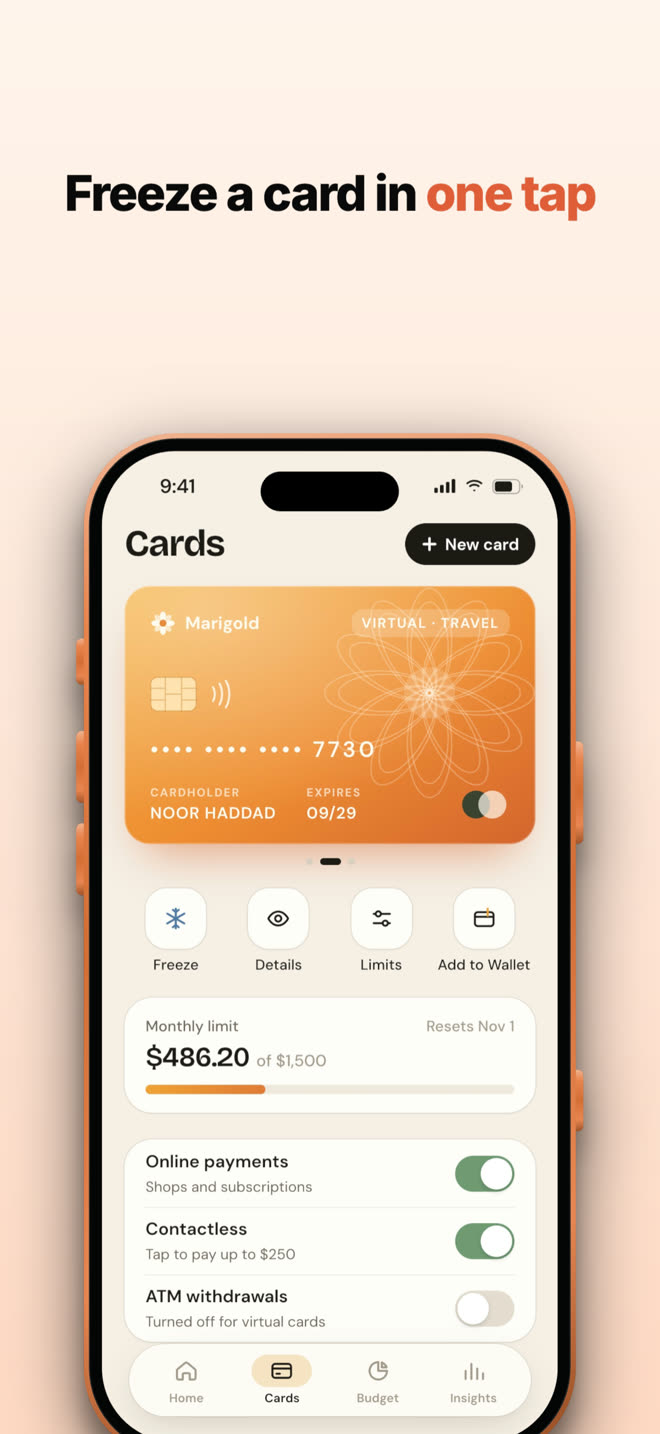
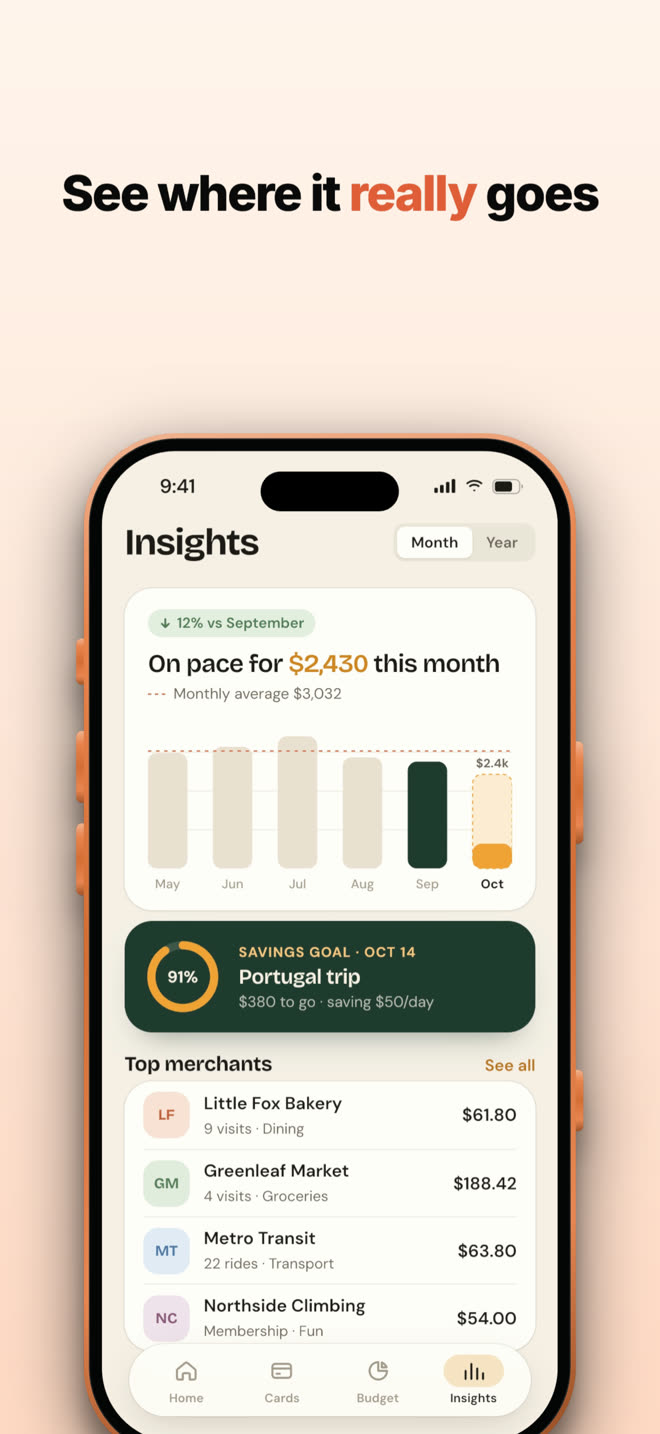
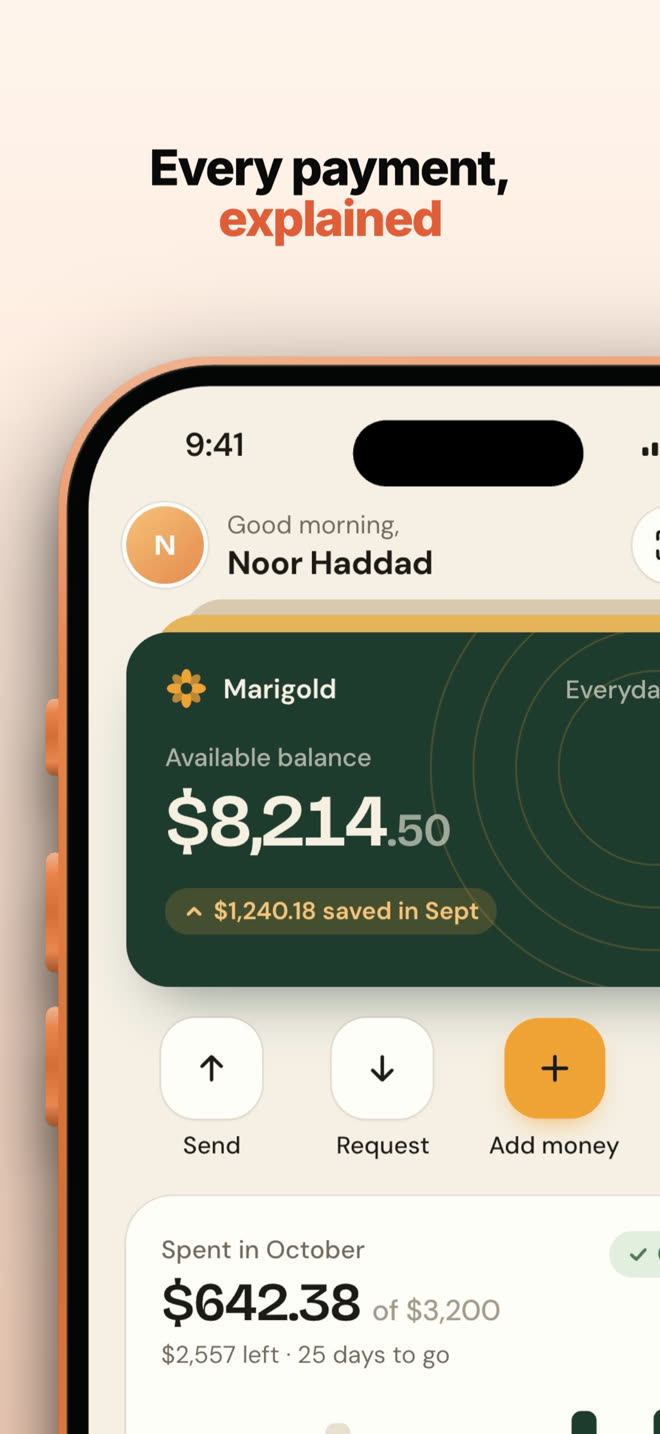
Make App Store screenshots for Marigold from ./screens. Warm template, iPhone 17 Pro.
beveled · create_app_store_set 5 screens · 1320×2868
Done. Five 6.9″ screens are in ./app-store, each with the headline from its screen title.
The Beveled extension popup with capture options

Capture from the toolbar.

Grab the visible area, the full page, or re-render the page at phone, tablet or desktop size, and it opens straight in the studio. Right-click any image to mock it up, or press Alt ⇧ B.

Add to Chrome
Questions

Is it really free?
Yes. Every device, template, effect and export size, with no watermark and no account.
Where do my screenshots go?
Nowhere. Rendering happens on your own GPU with WebGL, so images, recordings and exports never leave your browser. Safe for unreleased work.
2D, 3D or Reel?
2D frames a screenshot flat, the way a design tool would: browser windows, device frames, headlines, App Store sets. 3D stands it on a lit device you can orbit, animate and film. Reel takes a whole folder of work and turns it into a showreel or looping video.
Can it make video?
Both studios export MP4 or WebM, rendered frame by frame so nothing drops, up to 4K at 60 fps. The 3D studio adds motion blur, music and transparent WebM.
How do agents use it?
Install the MCP server and your agent gets tools to list templates and devices, render a mockup from a file or URL, capture a page (including localhost) and build App Store sets. It drives the same studio, headless.

Ready when your
screenshot is.