 beveled
iPhone mockup generator
Drop in an app screenshot and see it on a photoreal iPhone 17 Pro, Pro Max, iPhone 17 or iPhone Air. Frame it flat for an App Store layout, or light it in 3D for a launch shot.
Free · no account · no watermark · runs in your browser
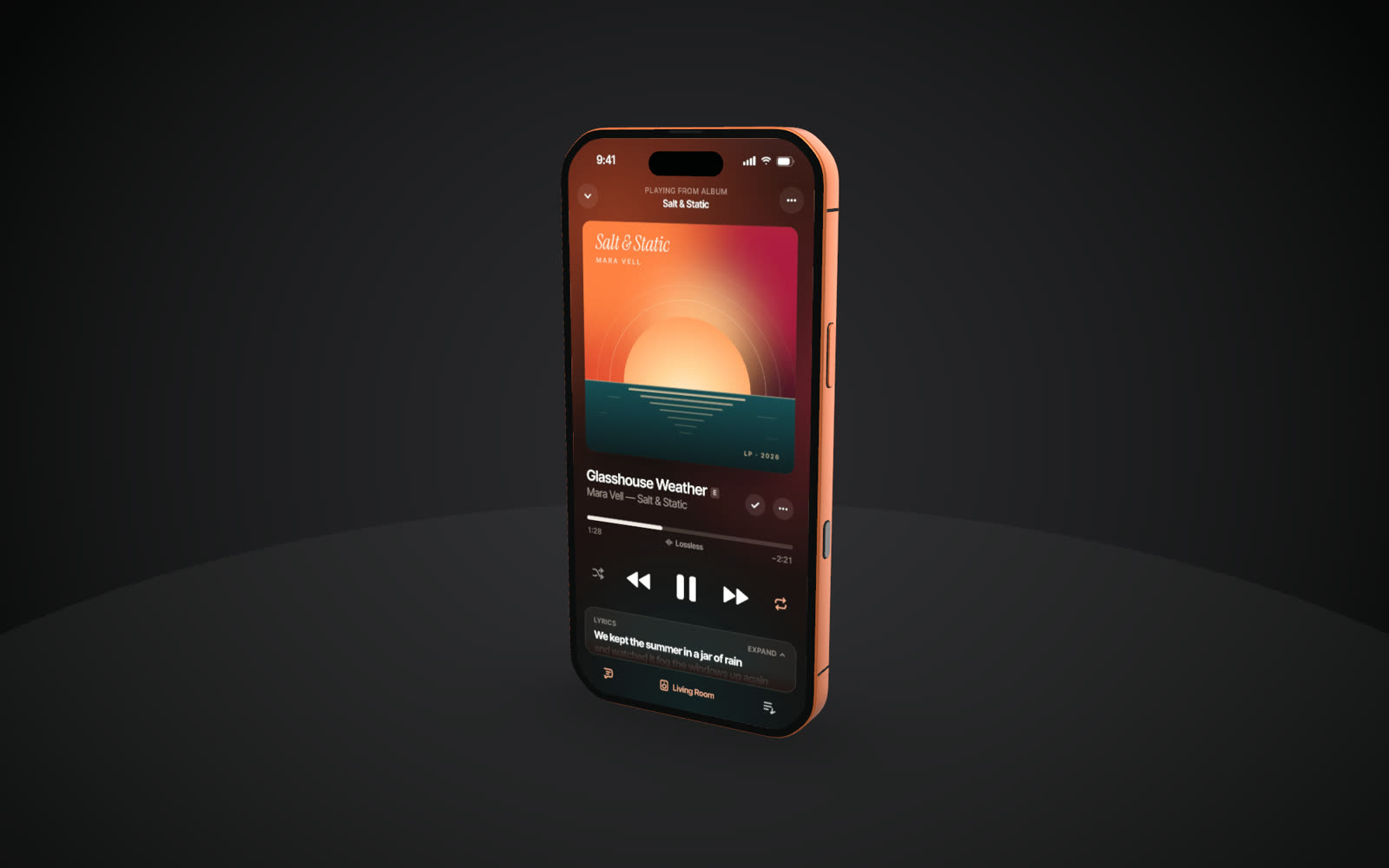
Every current iPhone
iPhone 17 Pro and Pro Max in Silver, Cosmic Orange and Deep Blue, iPhone 17 in five colours, and the thin iPhone Air.
Built to real dimensions
Bodies follow published sizes, with the Dynamic Island, camera plateau and buttons where they belong, so close-ups hold up.
Flat or 3D
Use a clean device frame with a headline in the 2D studio, or orbit a lit 3D phone with depth of field and real shadows.
Stills and video
Export PNG, JPG or WebP up to 8K, transparent PNGs, or an MP4 with the camera moving around the phone.
Models and native screenshot sizes
| Model | Screenshot size | Finishes |
|---|---|---|
| iPhone 17 Pro | 1206 × 2622 | Silver, Cosmic Orange, Deep Blue |
| iPhone 17 Pro Max | 1320 × 2868 | Silver, Cosmic Orange, Deep Blue |
| iPhone 17 | 1206 × 2622 | Lavender, Sage, Mist Blue, White, Black |
| iPhone Air | 1260 × 2736 | Sky Blue, Light Gold, White, Space Black |
Screenshots of any other size are fitted automatically (cover or contain), and taller ones can scroll inside the screen.
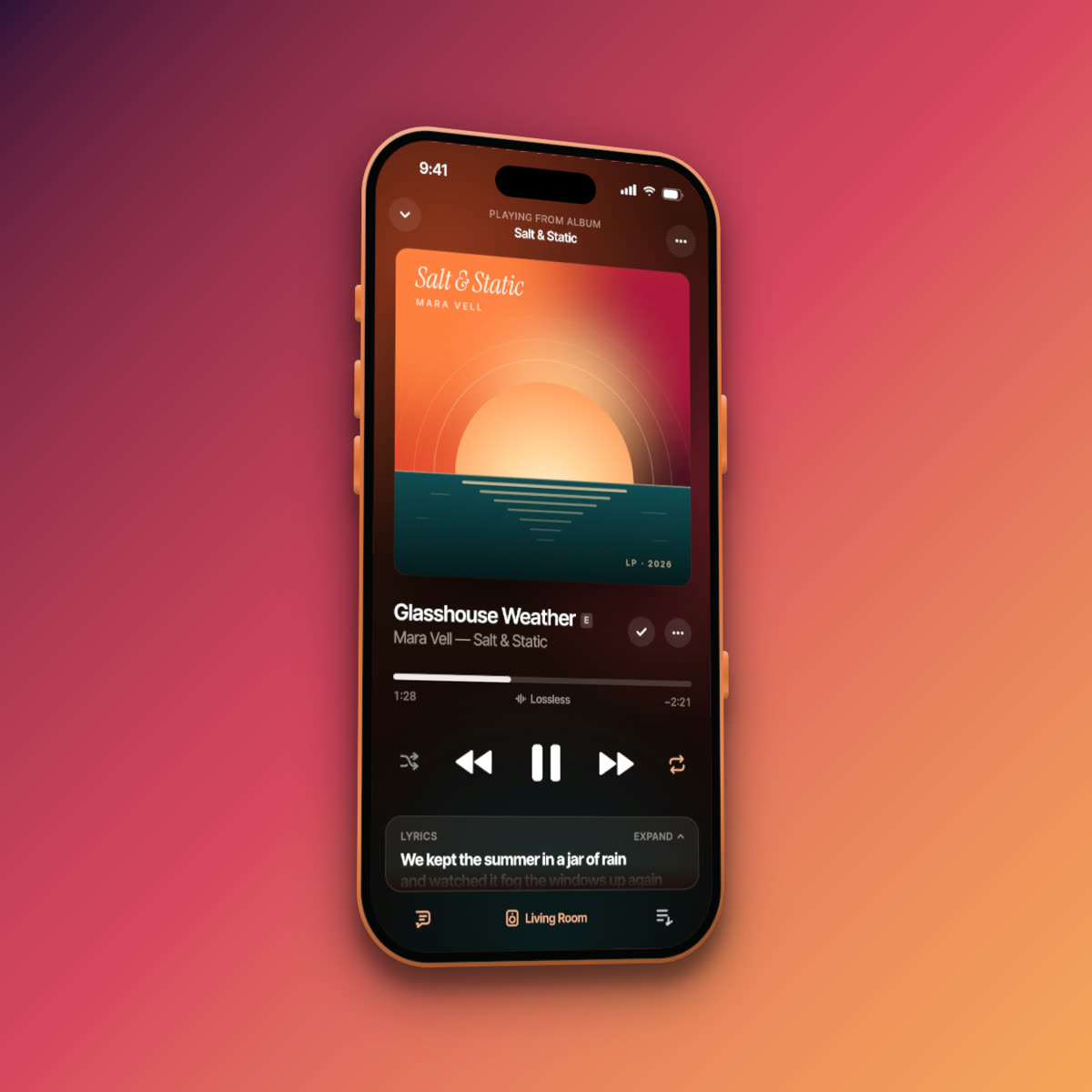
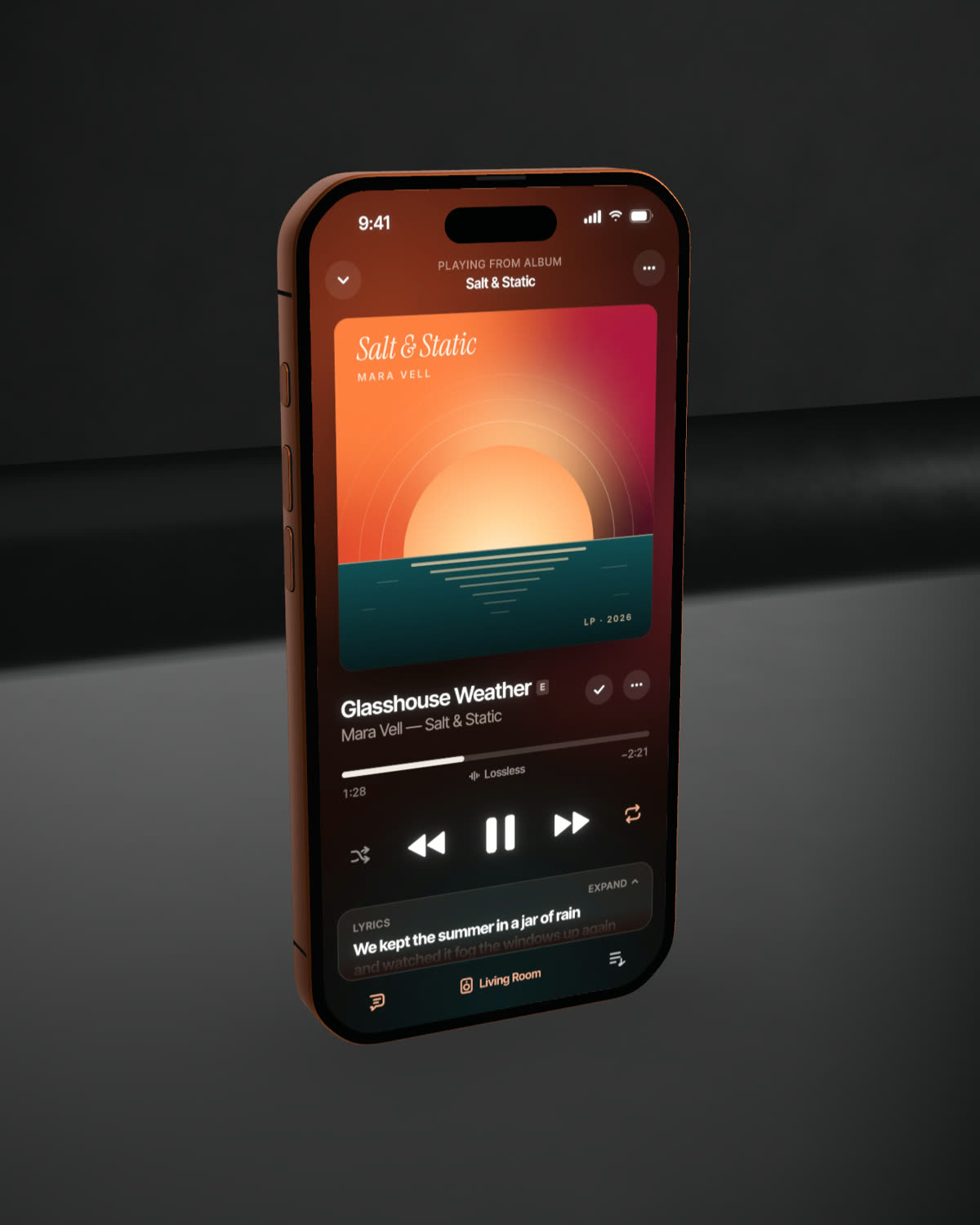
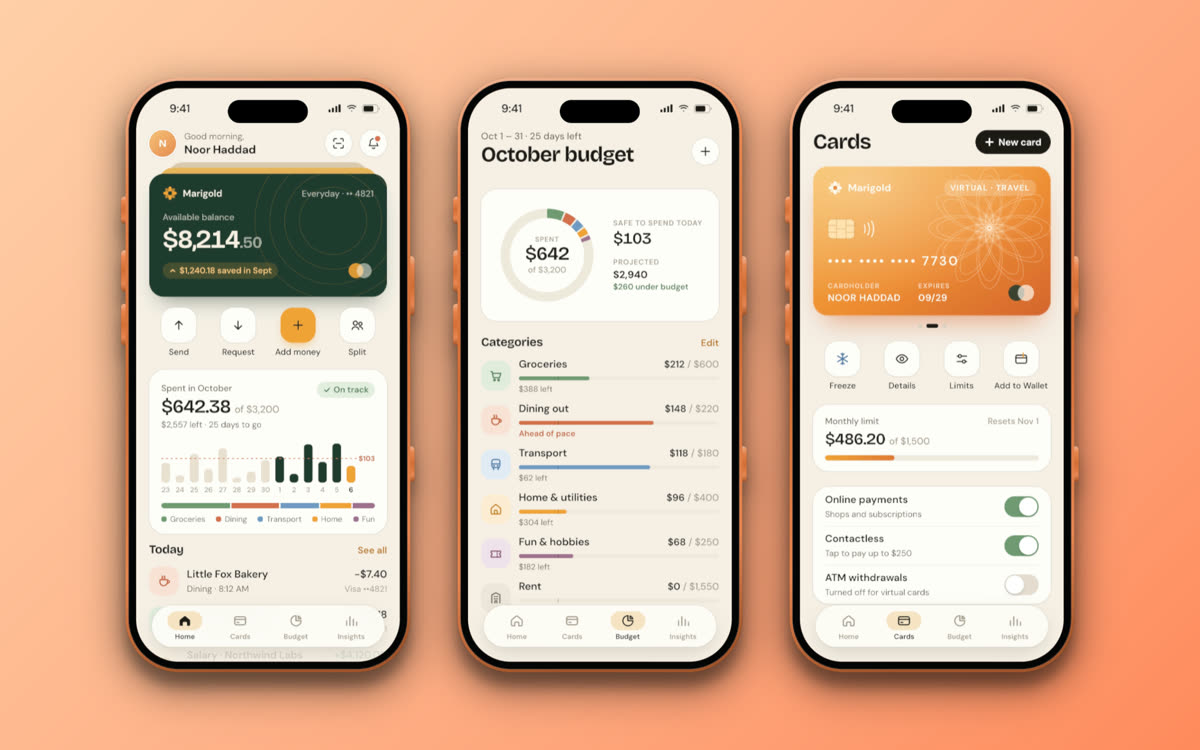
Made in Beveled
How it works
- 1
Take the screenshot
On a device press the side and volume-up buttons; in Simulator press ⌘S. Any size works, native looks sharpest.
- 2
Pick the phone
Choose the model, colour and angle, then a background, a set or a template.
- 3
Export
Download a still up to 8K or an MP4. Nothing to sign up for, no watermark.
Questions
- What size should my iPhone screenshot be?
- Native sizes look sharpest: 1206 × 2622 for iPhone 17 Pro and iPhone 17, 1320 × 2868 for Pro Max and 1260 × 2736 for iPhone Air. Other sizes are fitted to the screen automatically.
- Can I make App Store screenshots with an iPhone frame?
- Yes. The 2D studio has App Store templates at the 6.9″ and 6.5″ sizes. Add each screen to a set, give each its own headline and export them all as a ZIP.
- Can I export with a transparent background?
- Yes. Set the background to transparent and export a PNG, or a WebM video with alpha from the 3D studio.
- Can I show the back of the iPhone?
- Yes. In 3D you can turn the phone or orbit the camera to show the back and camera plateau, and keyframe the turn into a video.
- Is it really free?
- Yes. Every device, template and export size is free, with no watermark and no account. Everything renders in your own browser, so screenshots never leave your computer.