 beveled
iPad mockup generator
Show your app on an iPad Pro 13″, iPad Pro 11″ or iPad Air, in portrait or landscape, flat for the App Store or in a lit 3D scene.
Free · no account · no watermark · runs in your browser
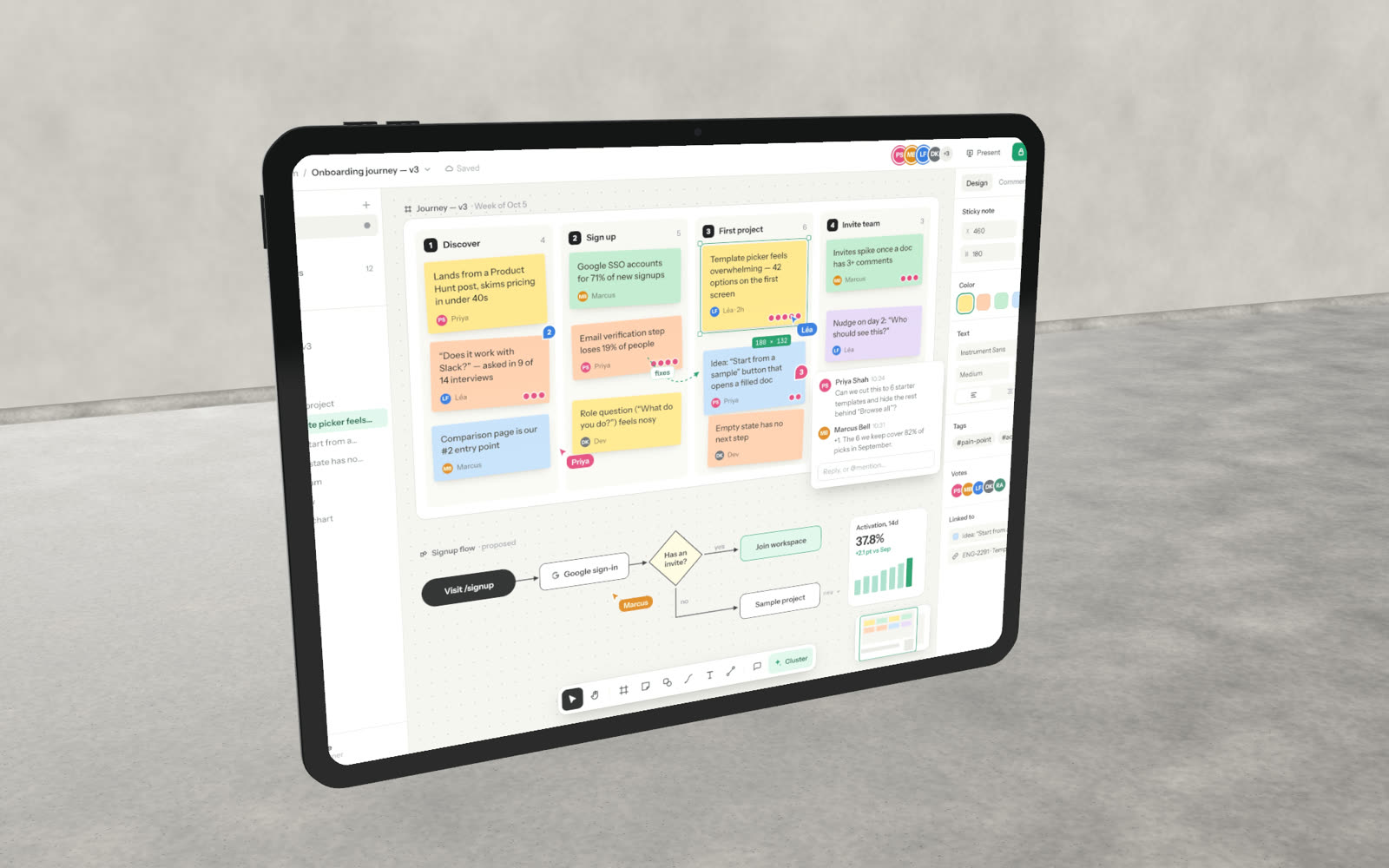
Three iPads
iPad Pro 13″ and 11″ in Space Black or Silver, and iPad Air in Silver, Starlight, Deep Blue or Midnight.
Portrait or landscape
Rotate the device to match your screenshot; the screen follows the orientation of your app.
App Store iPad sizes
The 2D studio exports at 2064 × 2752, the 13″ size the App Store asks for.
In context
Place the iPad on a desk, in a dark room or on a clean sweep, and add depth of field.
Models and native screen sizes
| Model | Screen size (portrait) | Finishes |
|---|---|---|
| iPad Pro 13″ | 2064 × 2752 | Space Black, Silver |
| iPad Pro 11″ | 1668 × 2420 | Space Black, Silver |
| iPad Air | 1640 × 2360 | Silver, Starlight, Deep Blue, Midnight |
Made in Beveled
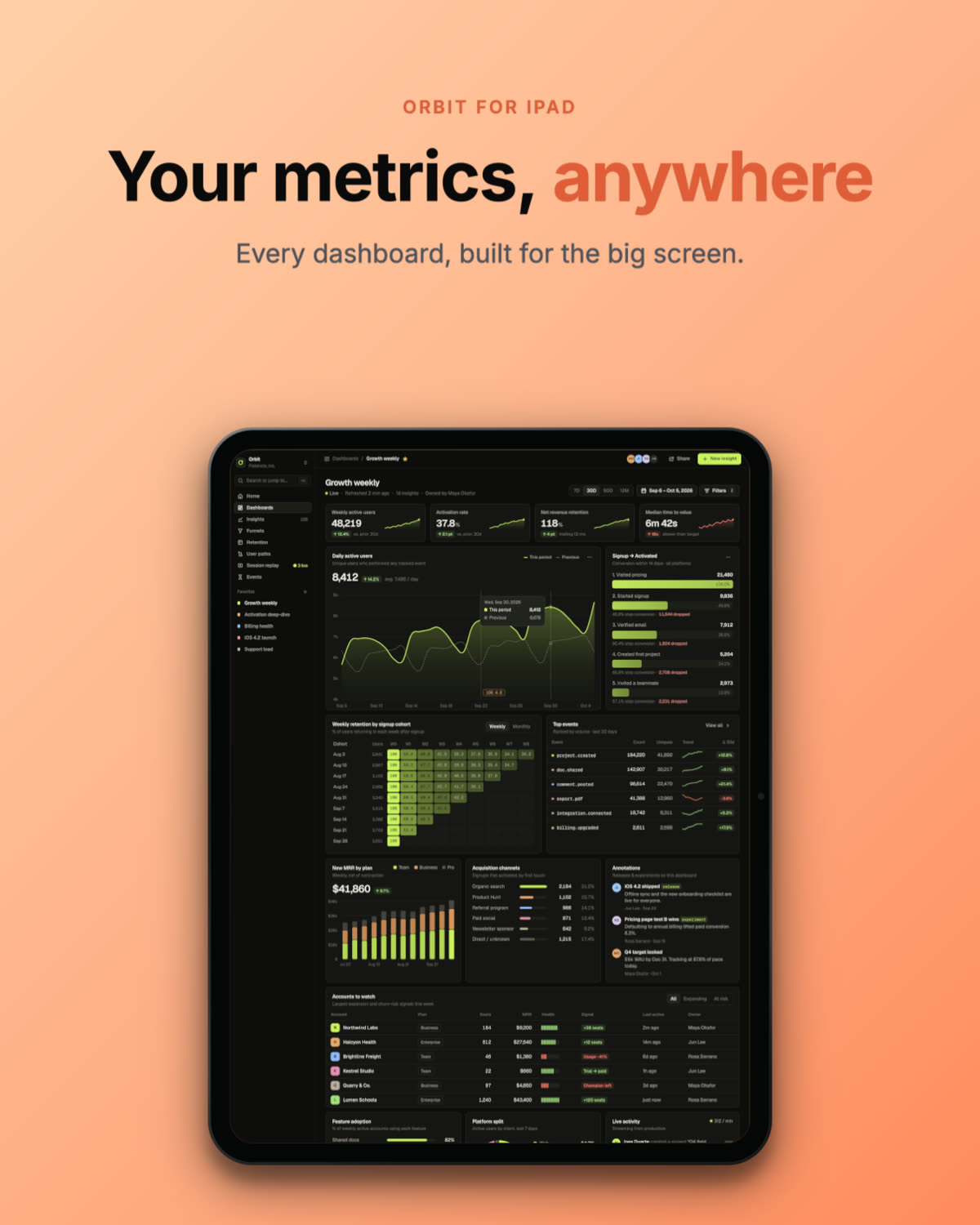
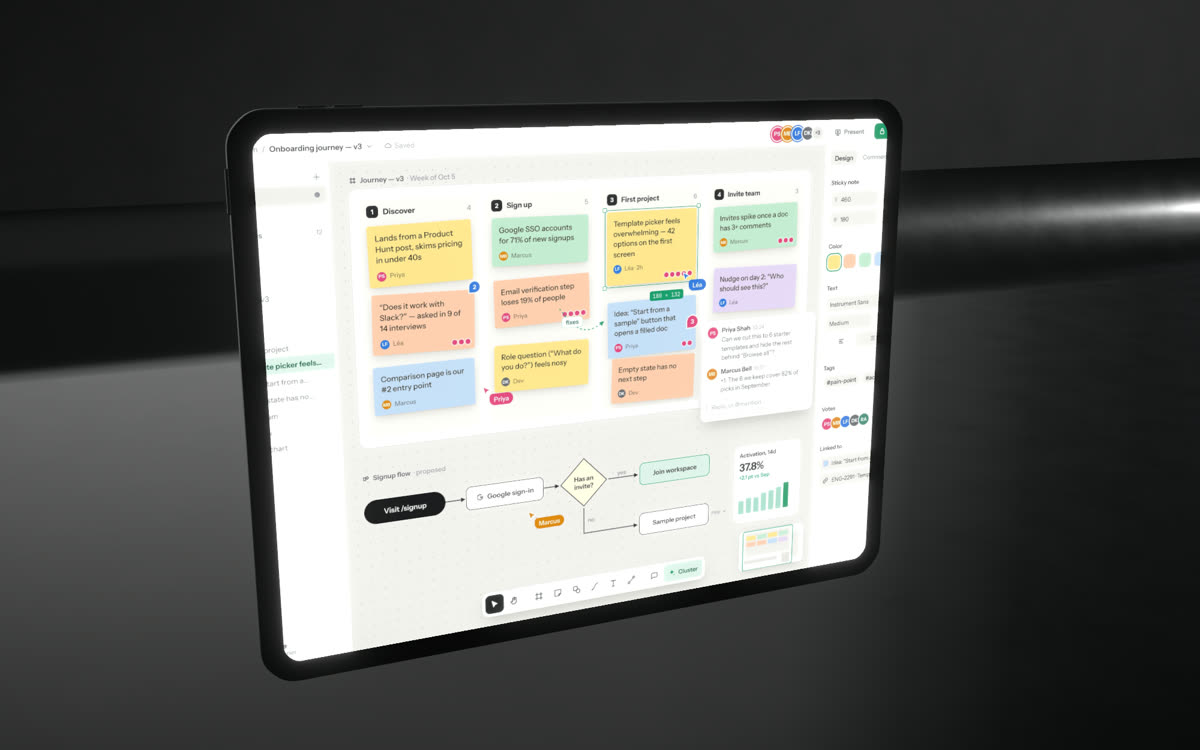
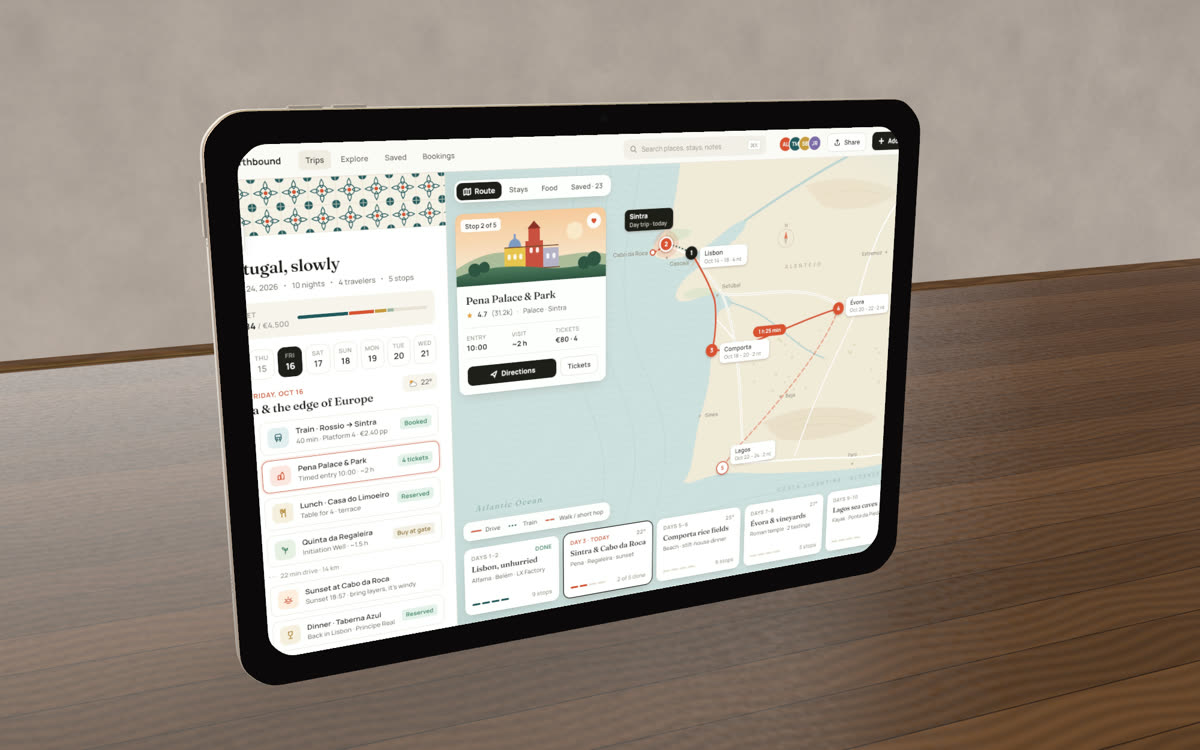
How it works
- 1
Screenshot the app
Use the iPad or Simulator, or capture a web app at tablet size with the Chrome extension.
- 2
Choose the iPad
Pick the model, colour and orientation, then a template or a set.
- 3
Export
PNG, JPG or WebP up to 8K, or video up to 4K.
Questions
- What size are iPad App Store screenshots?
- For the 13″ display the App Store uses 2064 × 2752 in portrait (2752 × 2064 in landscape). The 2D studio has this size built in.
- Can I use a landscape screenshot?
- Yes. Switch the iPad to landscape and the screenshot fills it the right way round.
- Can I show several iPad screens at once?
- Yes. The 2D studio can place up to three iPads side by side, each with its own screenshot.
- Is it really free?
- Yes. Every device, template and export size is free, with no watermark and no account. Everything renders in your own browser, so screenshots never leave your computer.