 beveled
A free, in-browser alternative to Rotato
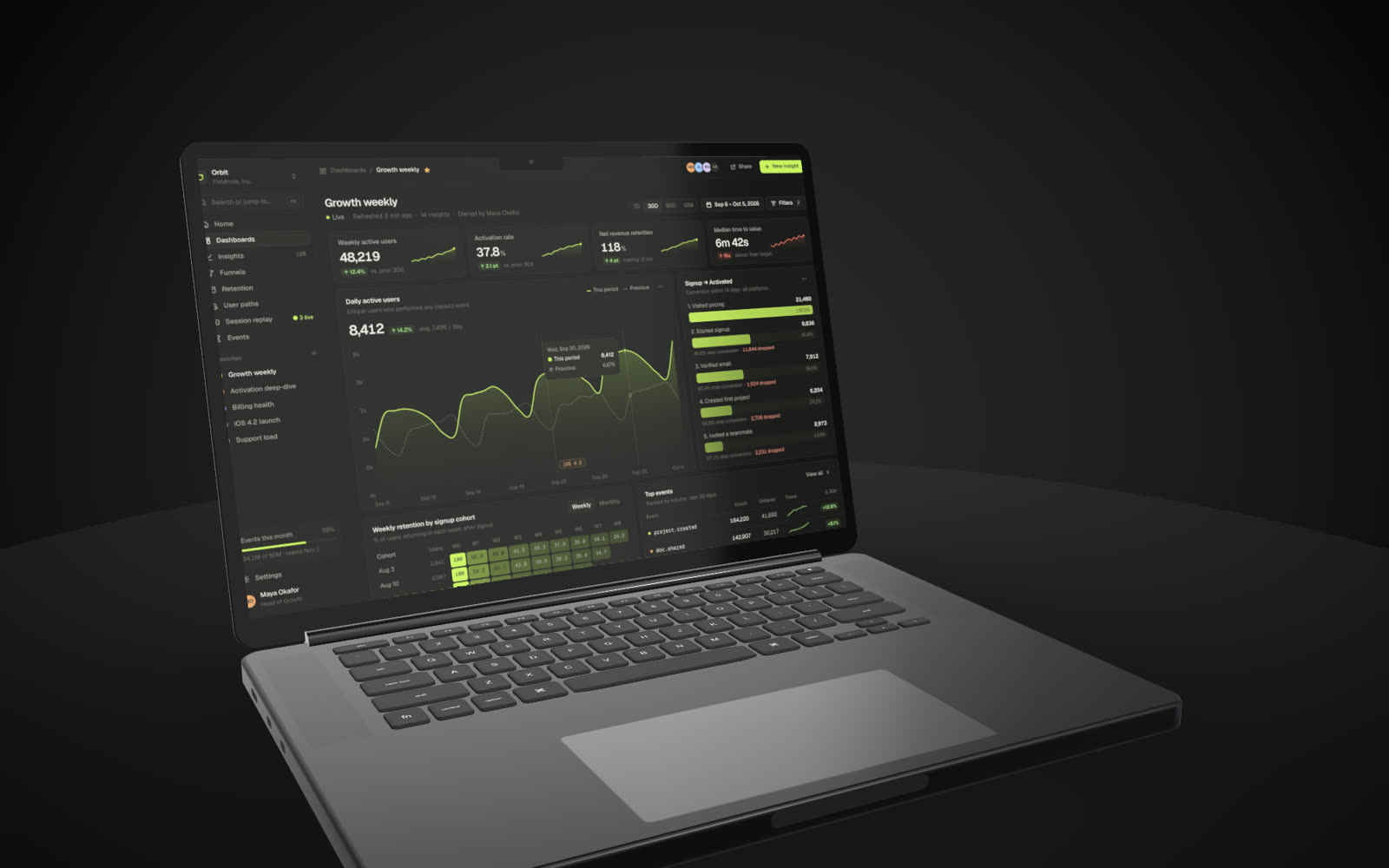
Rotato is a well-loved Mac app for animated 3D device mockups. Beveled does 3D devices, camera animation and video in the browser instead, so it works on any computer, for free.
Free · no account · no watermark · runs in your browser
Nothing to install
Runs in Chrome, Edge, Arc or Safari on macOS, Windows, Linux or ChromeOS.
3D and video
Photoreal devices, sets, lighting, keyframes, auto-motion and MP4 or WebM up to 4K60.
Free to use
No licence to buy and no watermark.
Beveled and Rotato side by side
Rotato’s Mac app is sold as a one-time licence, works fully offline and exports up to 8K, with ProRes and a Figma plugin. Rotato also has a web version with a subscription.
Beveled renders in the browser with WebGL. It covers the core of the workflow (devices, lighting, camera moves and video) and adds a 2D studio for flat mockups and App Store sets, a Chrome extension and an MCP server for AI agents. It does not have ProRes export or a Figma plugin.
When Rotato is the better pick
If you need ProRes 4444, iPhone mirroring or a native Mac app that works offline, Rotato is the stronger choice.
Questions
- Does Beveled work offline?
- Once the studio has loaded, rendering happens locally in your browser and nothing is uploaded, but it is a web app rather than an offline desktop app.
- Is it really free?
- Yes. Every device, template and export size is free, with no watermark and no account. Everything renders in your own browser, so screenshots never leave your computer.