 beveled
MacBook mockup generator
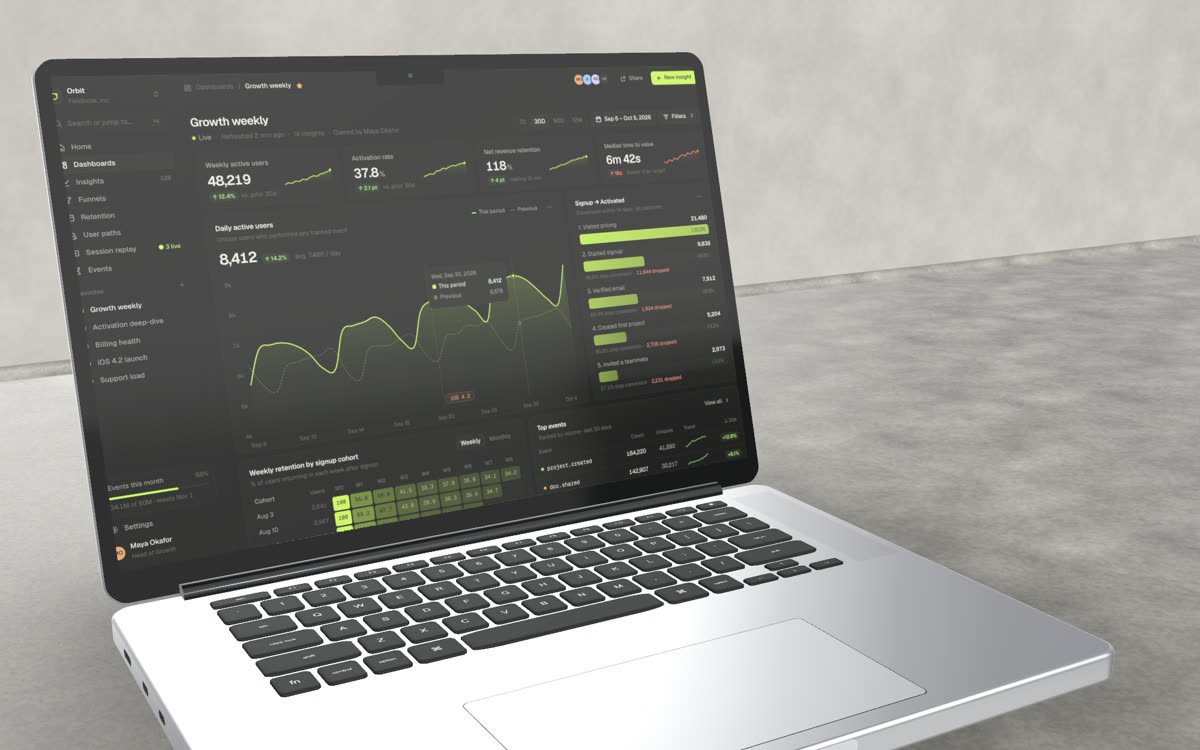
Put a web app or website screenshot on a MacBook Pro 14″, 16″ or MacBook Air, then choose the lid angle, the light and the set: a dark room, a concrete desk or warm oak.
Free · no account · no watermark · runs in your browser
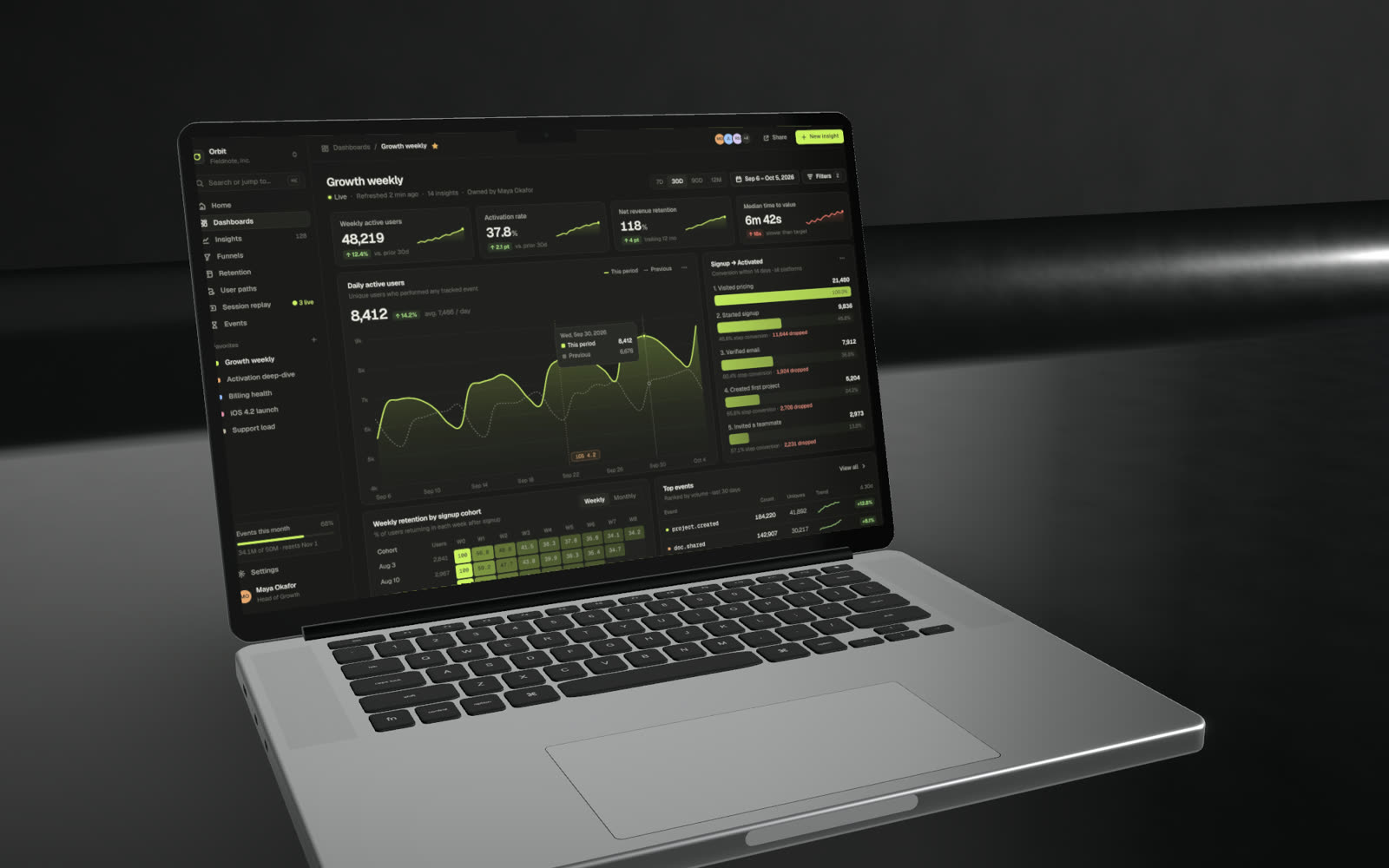
Three MacBooks
MacBook Pro 14″ and 16″ in Space Black or Silver, and MacBook Air 13″ in Midnight, Starlight, Silver or Deep Blue.
A real lid and keyboard
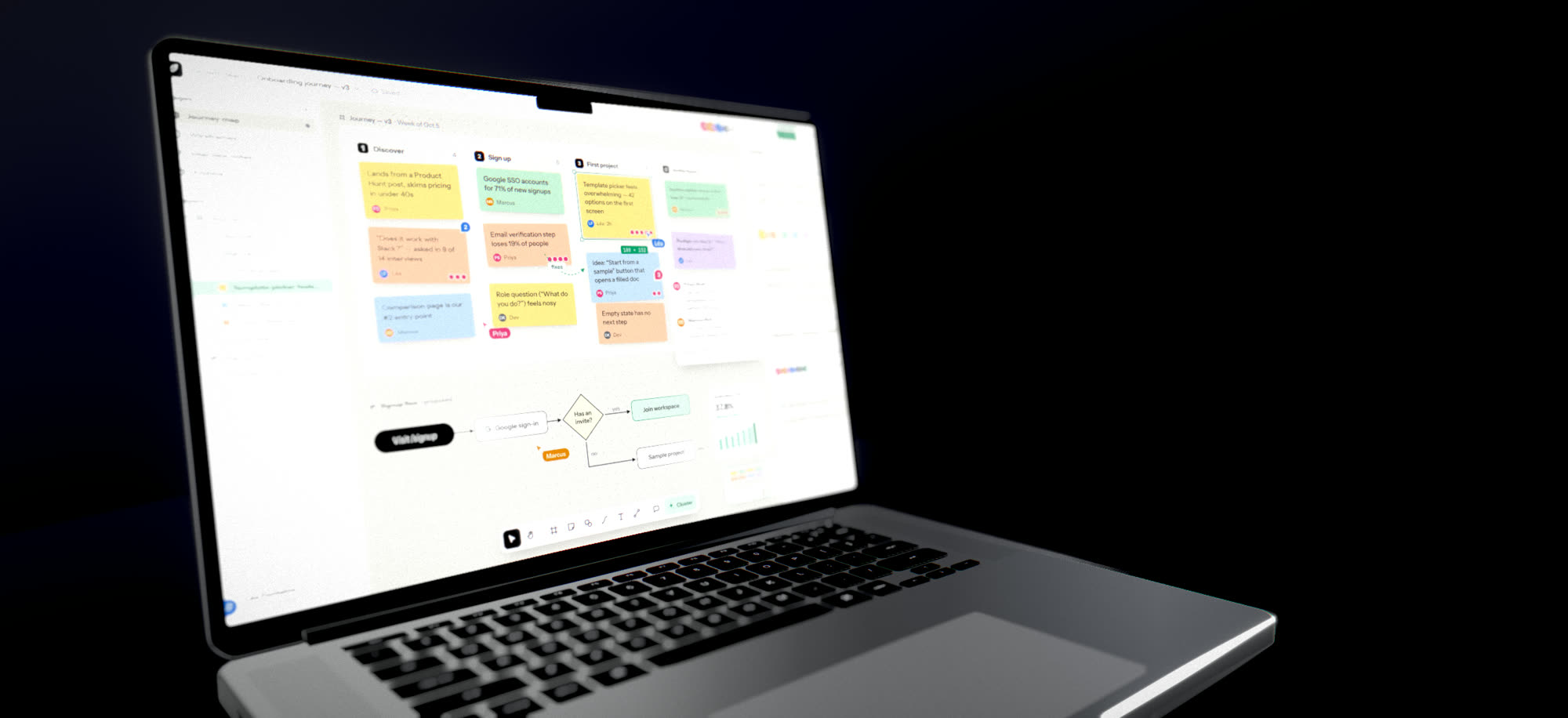
Open the lid to any angle, keep or hide the notch, and get a keyboard and trackpad that read as hardware, not a flat image.
Sets and light
Studio lighting presets, reflective floors, concrete and oak desks, sunlight through blinds and lens depth of field.
Scroll long pages
A full-page capture taller than the screen can scroll inside the display, and the scroll can be keyframed for video.
Models and native screen sizes
| Model | Screen size | Finishes |
|---|---|---|
| MacBook Pro 14″ | 3024 × 1964 | Space Black, Silver |
| MacBook Pro 16″ | 3456 × 2234 | Space Black, Silver |
| MacBook Air 13″ | 2560 × 1664 | Midnight, Starlight, Silver, Deep Blue |
A 1440 × 900 browser window captured at 2× (2880 × 1800) fits all three almost exactly.
Made in Beveled
How it works
- 1
Capture the page
Take a screenshot, or use the Beveled Chrome extension to capture a tab at laptop size in one click.
- 2
Set the scene
Pick the model, lid angle and set, then drag to choose the camera angle.
- 3
Export
Still images up to 8K, or MP4 and WebM up to 4K, with the camera moving if you want it to.
Questions
- What screenshot size works best for a MacBook mockup?
- Anything around 16:10. A browser window at 1440 × 900 captured at 2× gives 2880 × 1800, which fits the MacBook Pro and Air screens closely. Other sizes are fitted automatically.
- Can I change the lid angle?
- Yes. The lid opens from closed to fully upright, and the angle can be keyframed, so a video can open the laptop.
- Can I show a full scrolling website?
- Yes. Capture the full page (the Chrome extension can) and the screenshot scrolls inside the screen. Keyframe the scroll for a video walkthrough.
- Is there a flat MacBook frame too?
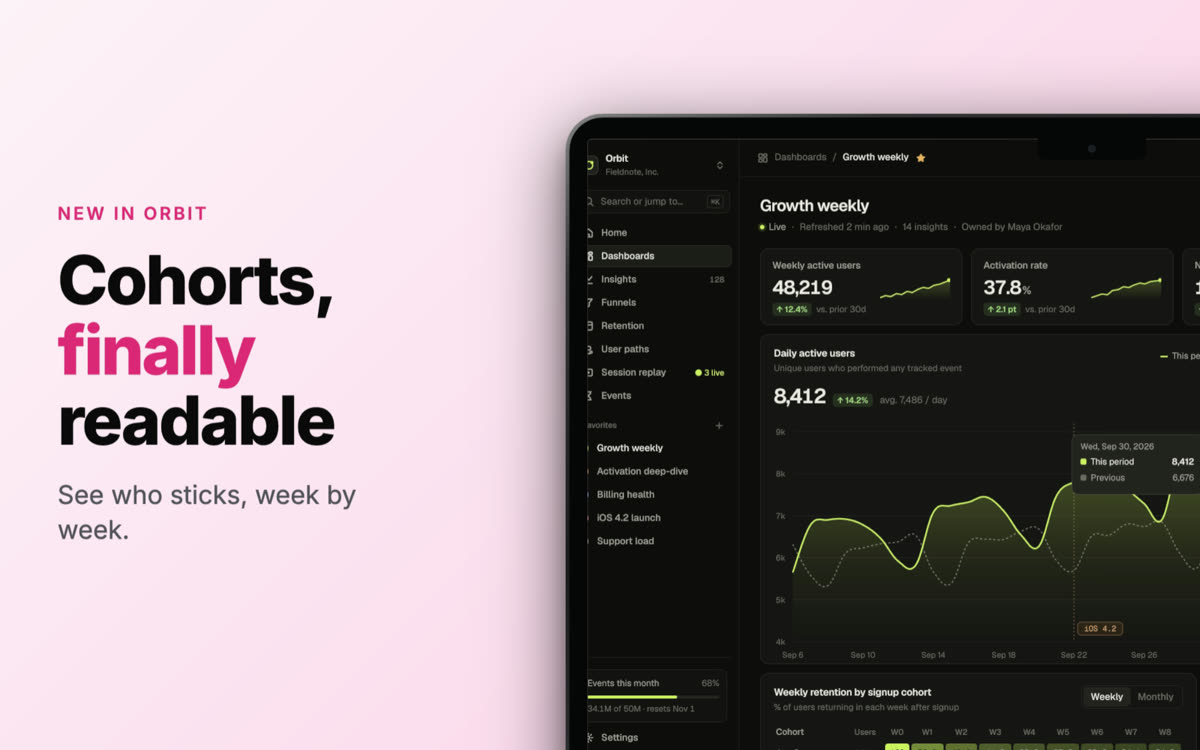
- Yes. The 2D studio has flat MacBook frames for layouts with headlines, social sizes and App Store-style compositions.
- Is it really free?
- Yes. Every device, template and export size is free, with no watermark and no account. Everything renders in your own browser, so screenshots never leave your computer.