 beveled
Open Graph image generator
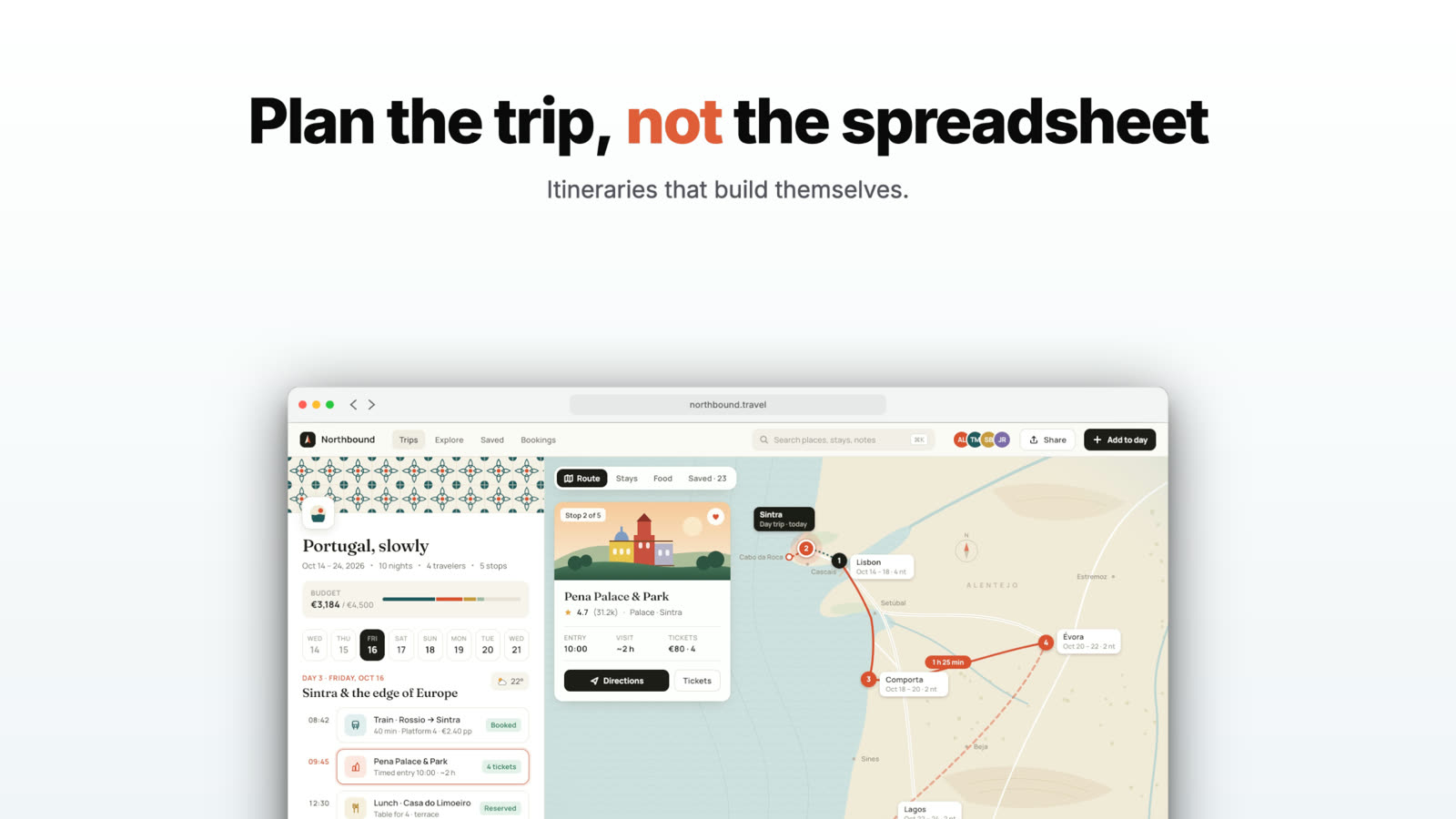
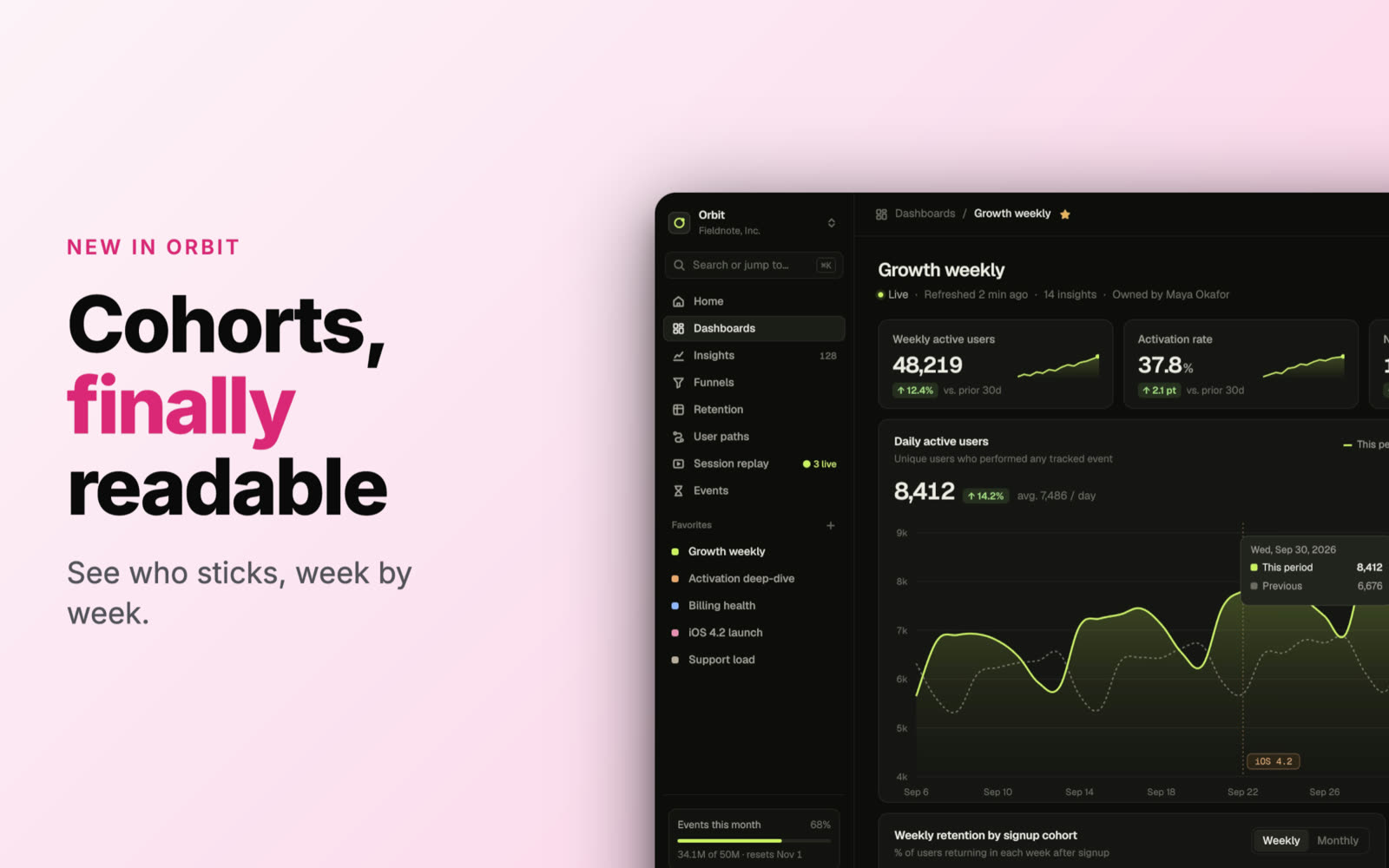
Make the image people see when your link is shared: your product in a browser or device frame, a short headline and a background that matches your brand.
Free · no account · no watermark · runs in your browser
Social sizes
X posts at 1600 × 900, LinkedIn at 1200 × 627, or a custom 1200 × 630 for Open Graph.
Readable at small sizes
Big headlines with a highlighted word, so the card still reads in a feed.
Consistent across pages
Save a project file and reuse the design for every post or docs page.
Common social image sizes
| Where | Size |
|---|---|
| Open Graph (most sites) | 1200 × 630 |
| X post | 1600 × 900 |
| LinkedIn post | 1200 × 627 |
| YouTube thumbnail | 1280 × 720 |
Made in Beveled
How it works
- 1
Drop a screenshot
Of the page or feature you’re sharing.
- 2
Write the headline
Short and specific; highlight one word.
- 3
Export at the size
Set the frame size and export a JPG or PNG for your og:image tag.
Questions
- What size should an Open Graph image be?
- 1200 × 630 pixels is the common choice and works on most platforms. Keep text away from the edges, since some apps crop.
- Is it really free?
- Yes. Every device, template and export size is free, with no watermark and no account. Everything renders in your own browser, so screenshots never leave your computer.