 beveled
Browser mockup generator
Wrap a website screenshot in a Safari, Chrome or Arc window, light or dark, with your own address in the bar, on a background that makes it look finished.
Free · no account · no watermark · runs in your browser
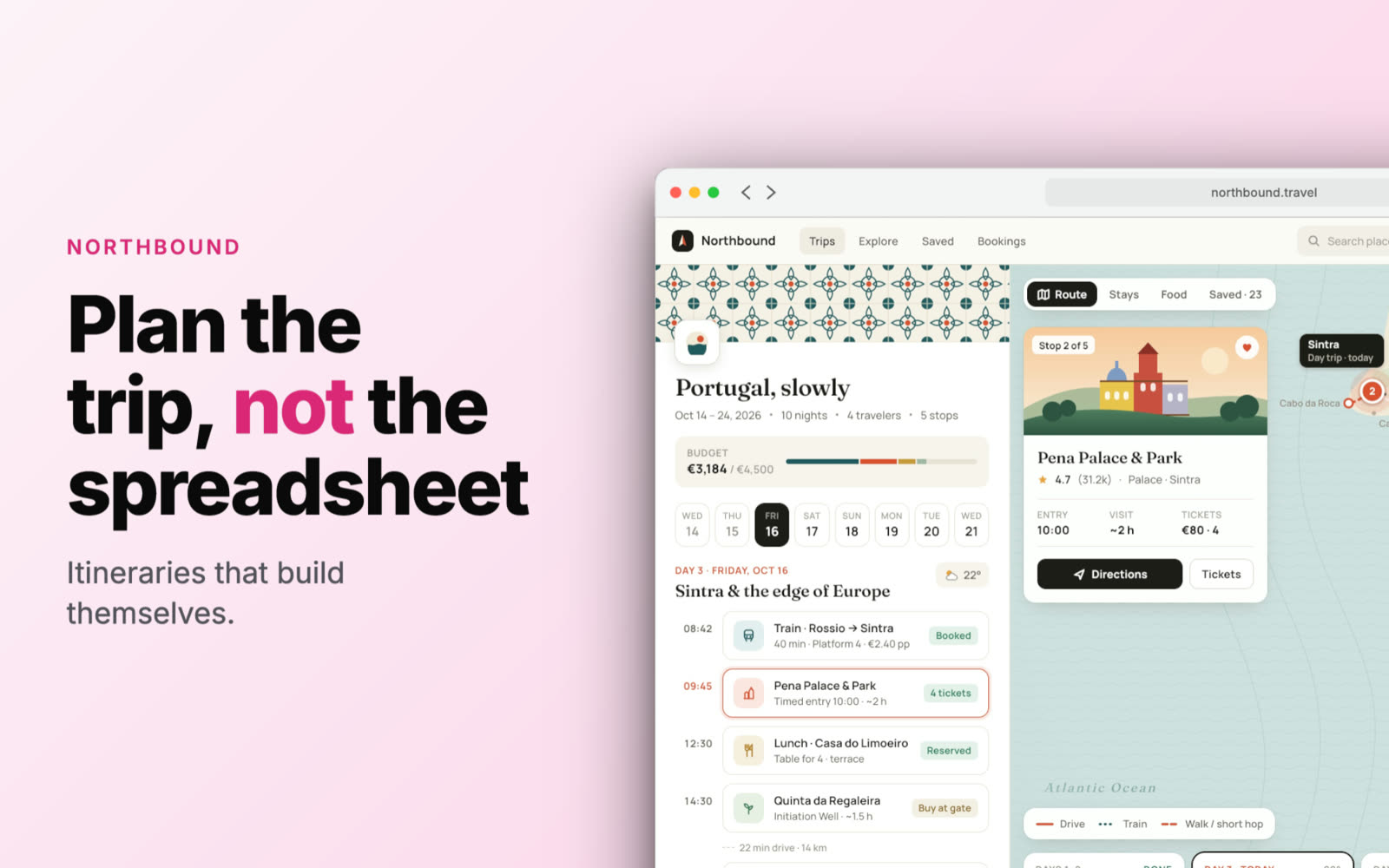
Three window styles
Safari, Chrome or Arc chrome, each in light or dark, with your URL in the address bar.
Backgrounds that fit
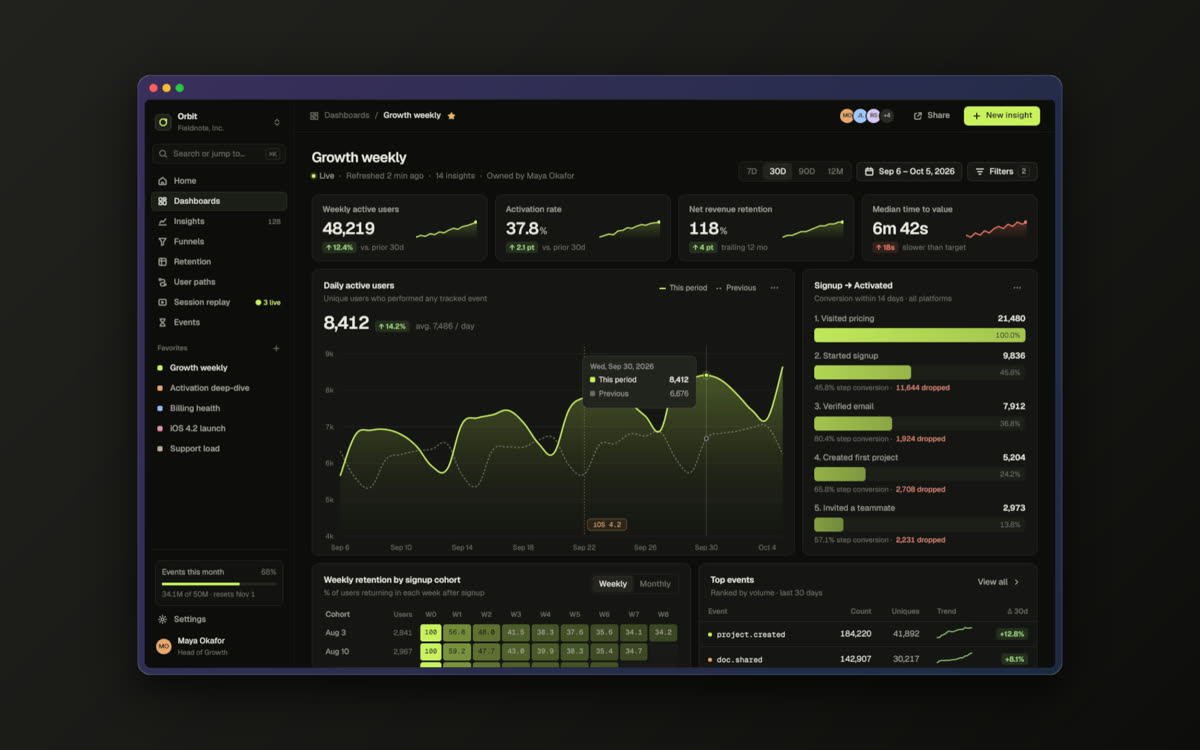
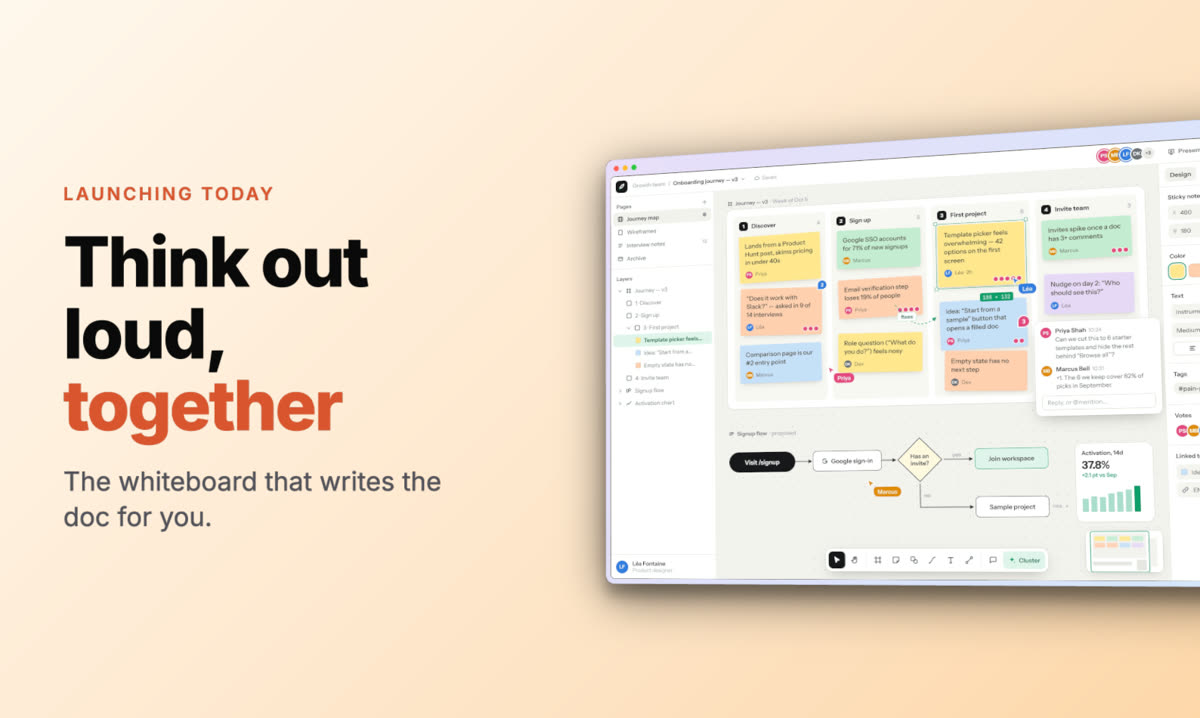
Gradients, glass, soft shadows, photographic backgrounds and grain, or a transparent PNG.
Text around the shot
An eyebrow, a headline with highlighted words, a subtitle and a badge, placed above, below or beside the window.
In 3D too
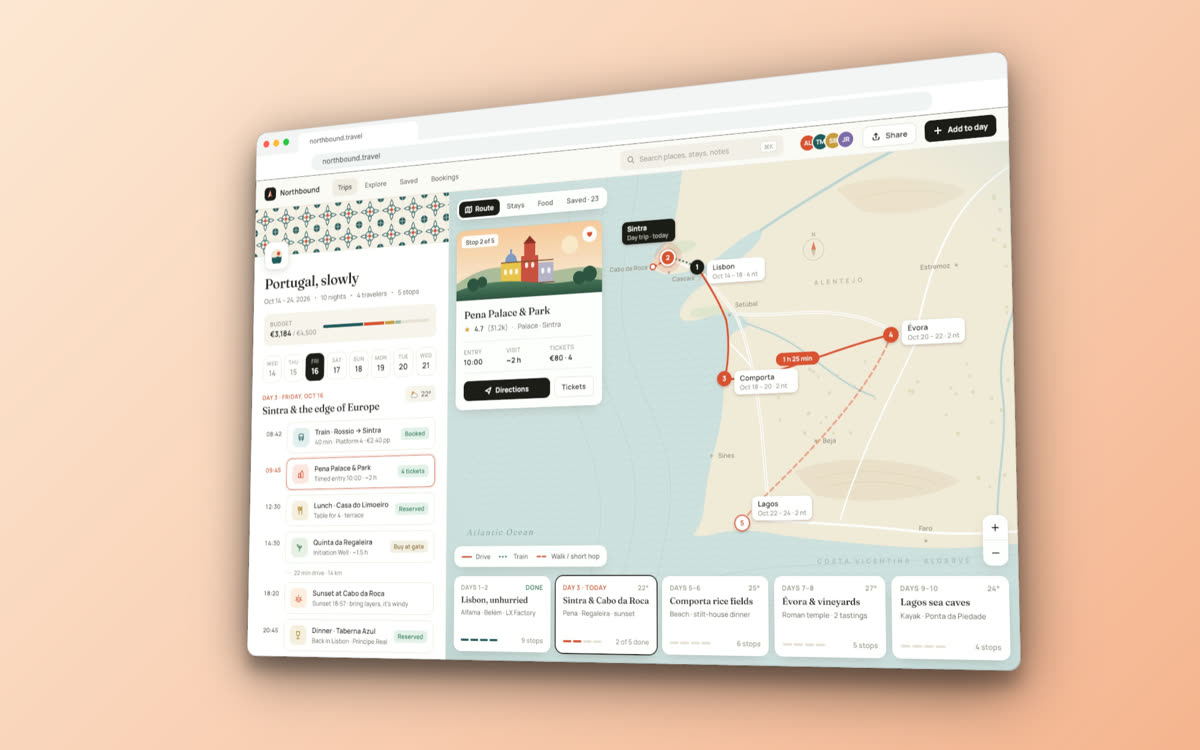
Stand the window up in 3D, tilt it and animate it for a launch video.
Made in Beveled
How it works
- 1
Capture the page
Any screenshot works. The Chrome extension can capture the visible area, a full page or a device-sized view.
- 2
Style the window
Pick Safari, Chrome or Arc, light or dark, type the URL and choose a background.
- 3
Export
PNG, JPG or WebP at up to 8K, sized for social, docs or your landing page.
Questions
- Can I change the URL in the address bar?
- Yes. Type any address and it appears in the window’s bar.
- Can I show a full-length page?
- Yes. Capture the full page and it scrolls inside the window; set the scroll position or animate it.
- Does it work for dark-mode sites?
- Yes. Each window style has a dark version that matches dark-mode screenshots.
- Is it really free?
- Yes. Every device, template and export size is free, with no watermark and no account. Everything renders in your own browser, so screenshots never leave your computer.