 beveled
Make screenshots look beautiful
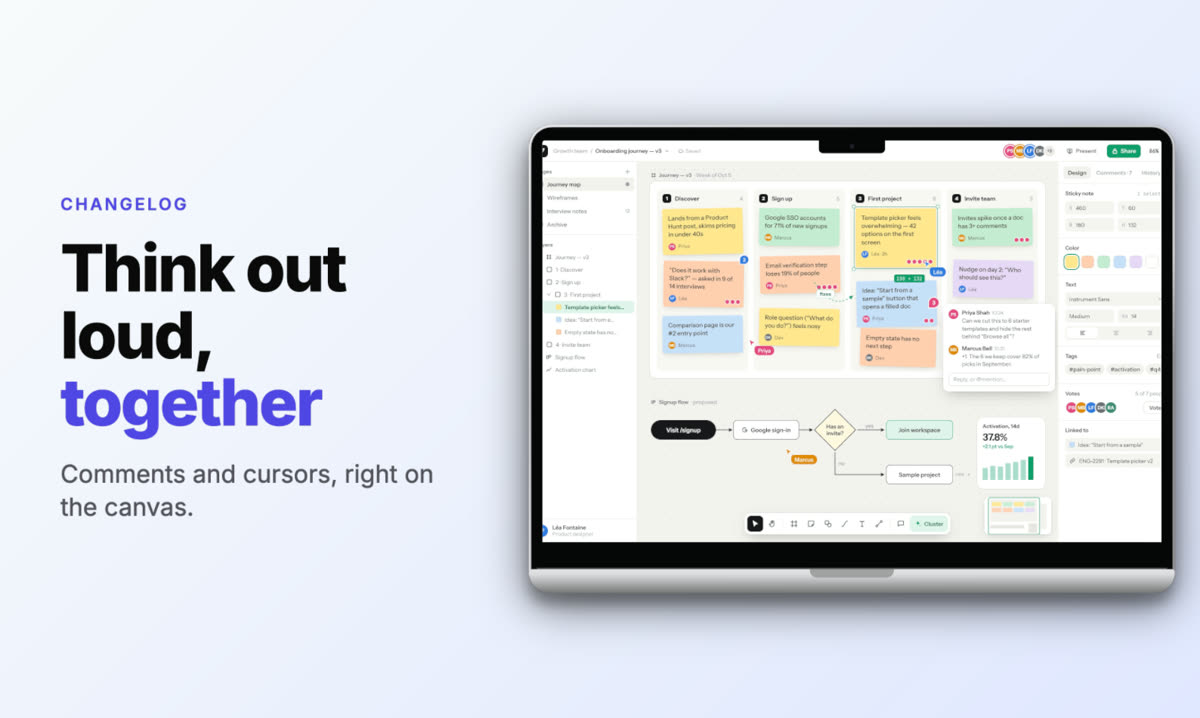
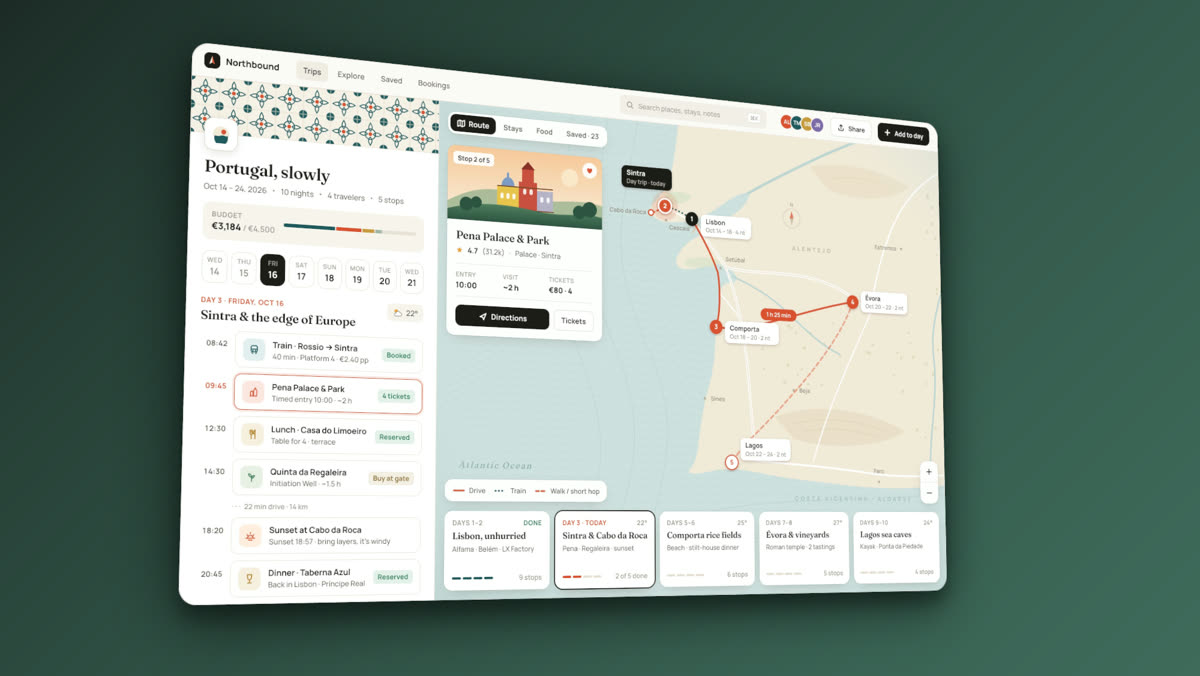
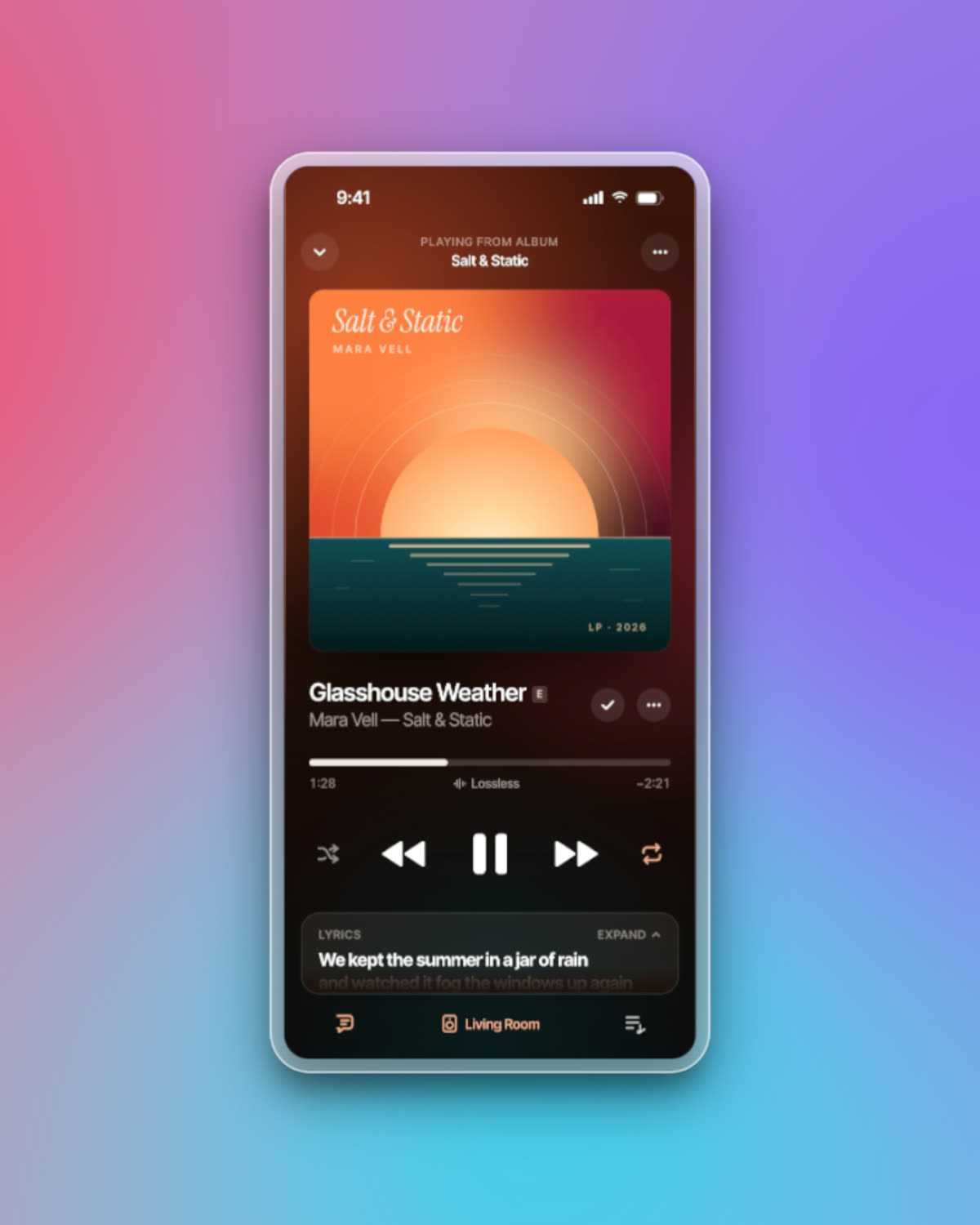
Paste a screenshot and give it a background, padding, rounded corners and a soft shadow, add a headline if it needs one, and export it at the size your post needs.
Free · no account · no watermark · runs in your browser
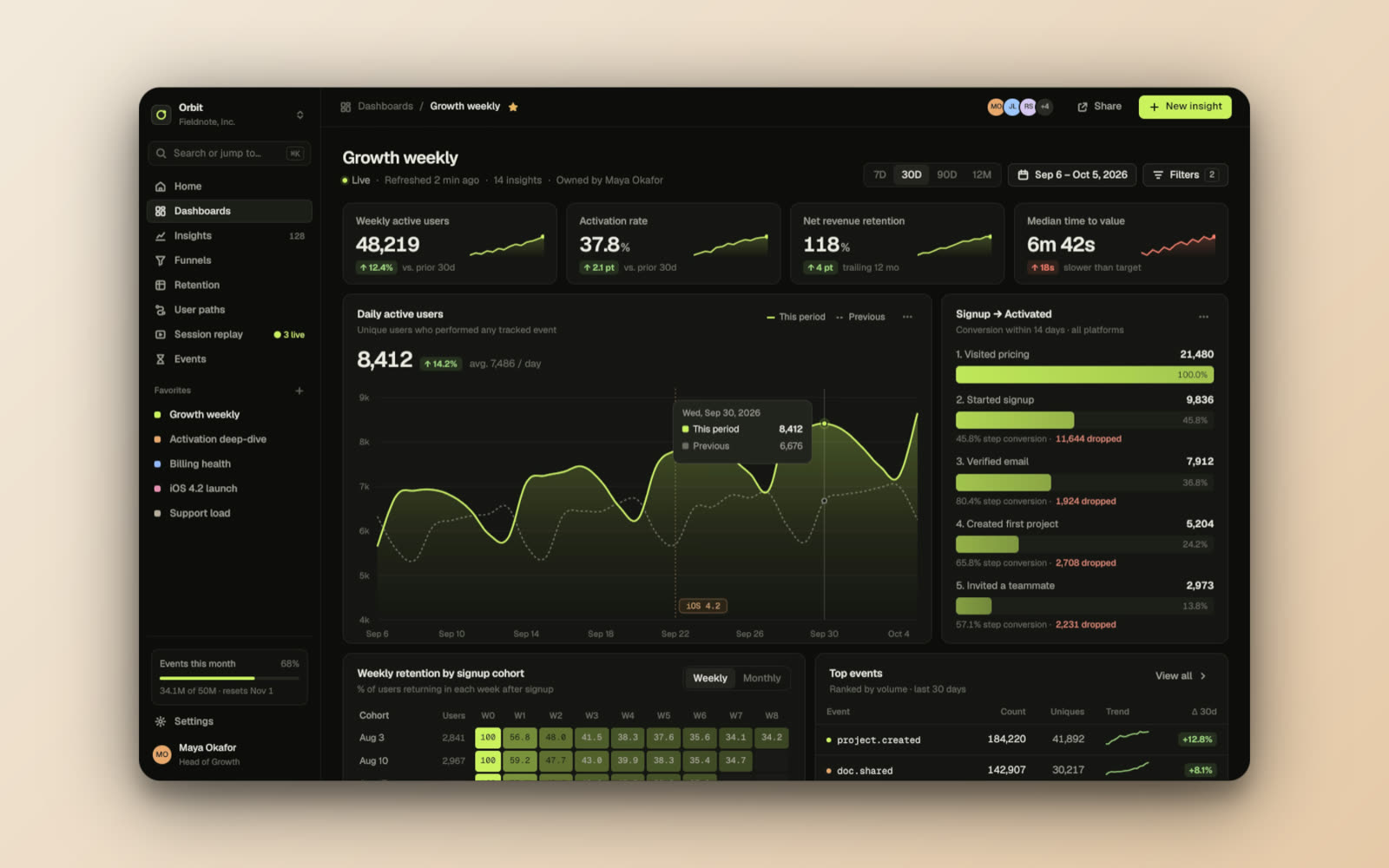
Paste and go
Paste with ⌘V or Ctrl+V, drop a file, or capture a tab with the Chrome extension.
Eight screenshot styles
Default, glass light and dark, liquid glass, inset, outline and border, with adjustable corners and shadows.
Backgrounds
Ten background libraries, from solid and gradient to glass, cosmic, earth and texture, plus blur, grain or transparent.
Sized for where it goes
X, LinkedIn, Instagram, YouTube thumbnails, Product Hunt, Open Graph, or any custom size.
Made in Beveled
How it works
- 1
Paste your screenshot
Paste, drop or capture. Images and screen recordings both work.
- 2
Pick a look
Choose a style, background and layout, or start from a template.
- 3
Export
PNG, JPG or WebP up to 8K, or an animated MP4.
Questions
- Does it work with screen recordings?
- Yes. Drop an MP4 or WebM and it plays inside the frame; export the result as video.
- Can I add text to the screenshot?
- Yes: an eyebrow, a headline (wrap words in *stars* to highlight them), a subtitle and a badge.
- Can I tilt the screenshot?
- Yes. Zoom, move and tilt it in 3D perspective, or choose a layout preset such as Tilt left or Isometric.
- Is it really free?
- Yes. Every device, template and export size is free, with no watermark and no account. Everything renders in your own browser, so screenshots never leave your computer.