 beveled
Desktop and monitor mockups
Put desktop software or a wide web app on an Apple Studio Display or Pro Display XDR, on a desk, in a studio or in a dark room.
Free · no account · no watermark · runs in your browser
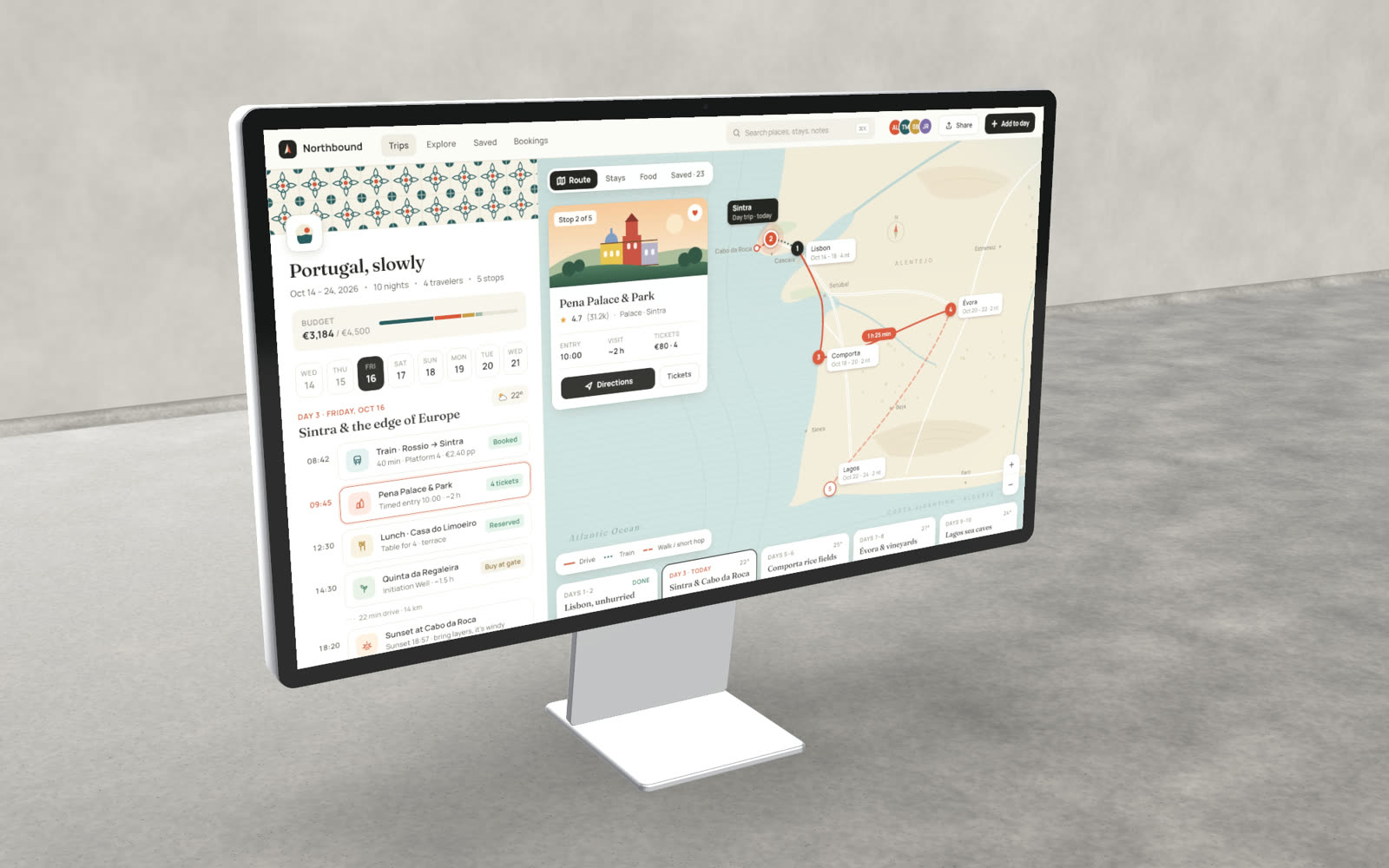
Two displays
Studio Display and Pro Display XDR, each on its stand.
Room for detail
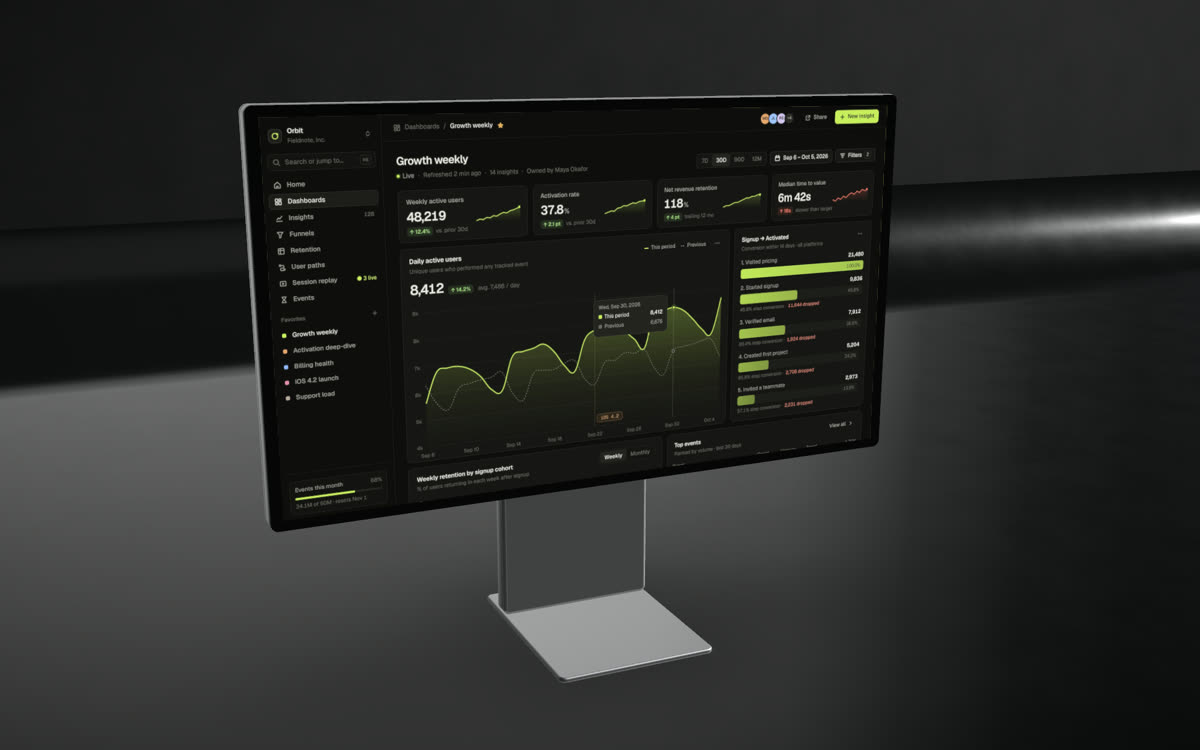
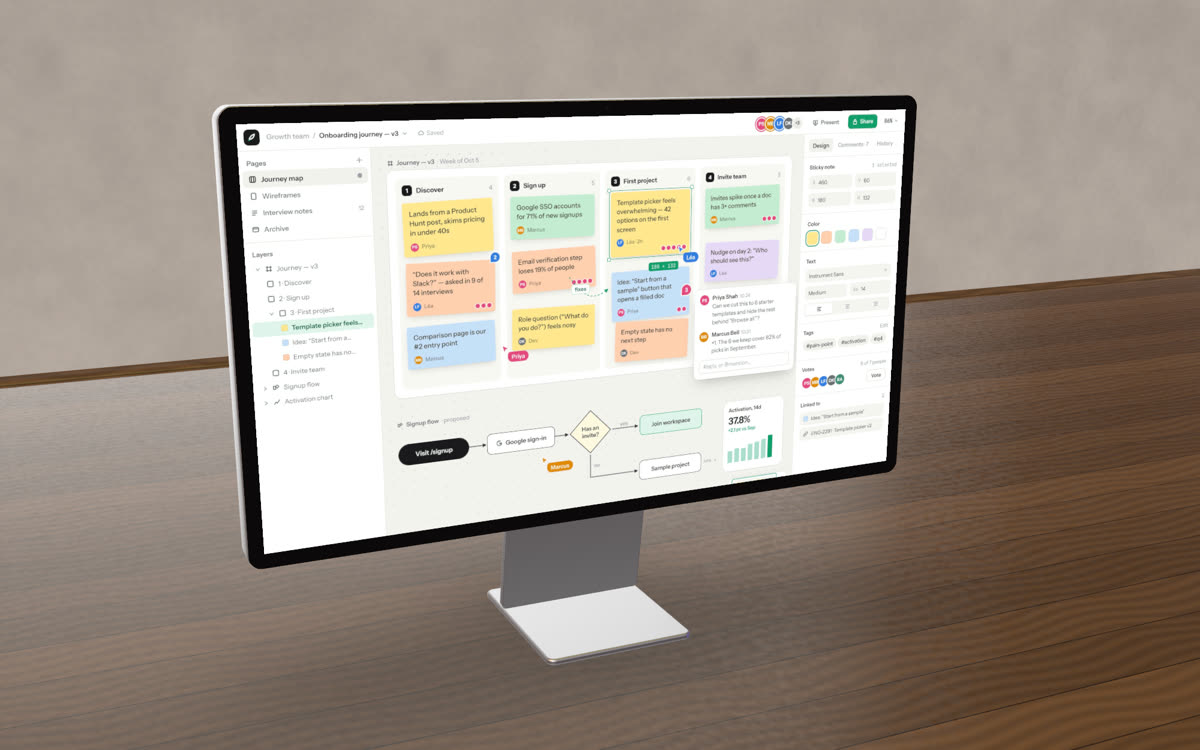
Big 16:9 screens suit dense dashboards, editors and design tools.
Sets and reflections
Reflective floors, desks and studio light, with lens blur for depth.
Models and native screen sizes
| Model | Screen size |
|---|---|
| Studio Display | 5120 × 2880 |
| Pro Display XDR | 6016 × 3384 |
Any 16:9 screenshot fits, for example 2560 × 1440 or 1920 × 1080.
Made in Beveled
How it works
- 1
Capture at 16:9
A full-screen or 1920 × 1080 window capture fits the display.
- 2
Pick the display
Choose the model, the set and the angle.
- 3
Export
Stills up to 8K, or video up to 4K.
Questions
- Is there an iMac mockup?
- Not yet. The Studio Display and Pro Display XDR cover desktop shots today.
- Is it really free?
- Yes. Every device, template and export size is free, with no watermark and no account. Everything renders in your own browser, so screenshots never leave your computer.